How to make phone calls from Codex with MCP
Give Codex a calling tool, keep your credentials out of the prompt, and bring phone answers back into the research it is already doing.
 Nick Khami · · 6 min read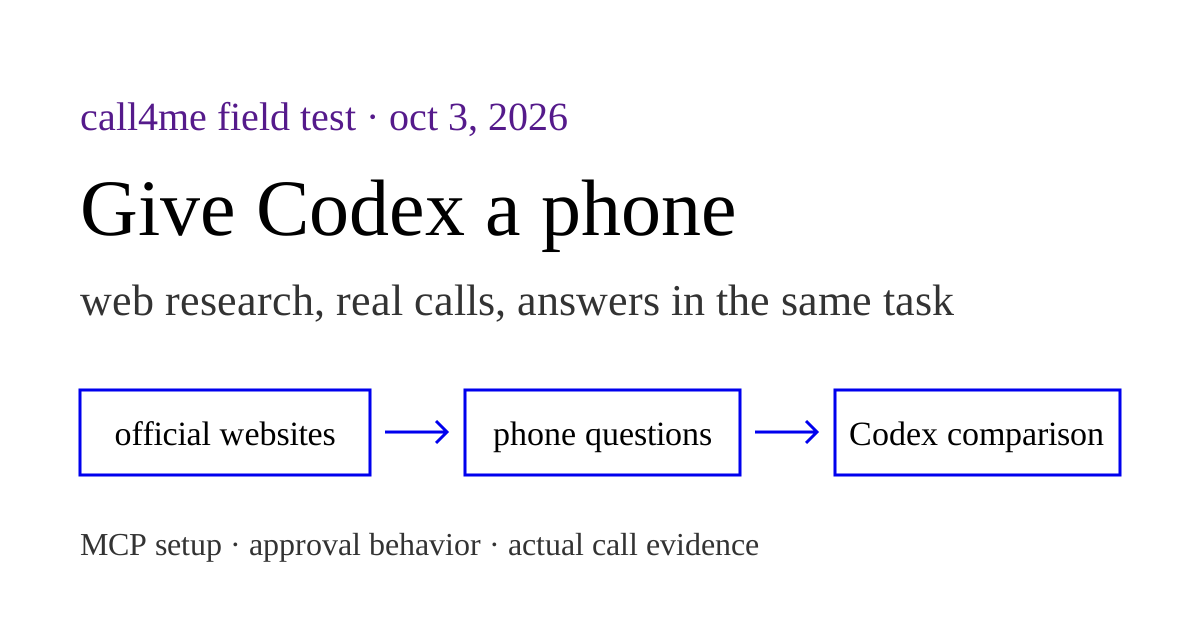
Codex can make phone calls through a calling MCP server. Connect call4me once, then ask Codex to call a business with a goal and clear limits. A voice caller handles the conversation; Codex follows the transcript and uses the result in the task you already gave it.
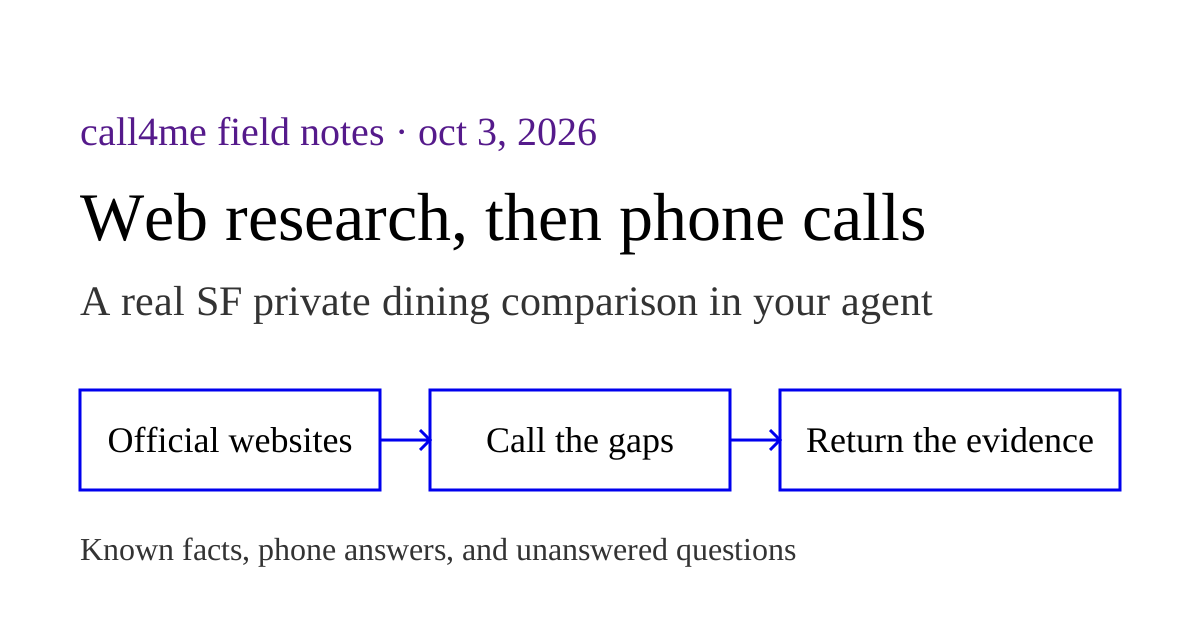
We verified this with Codex CLI 0.160.0 on October 3, 2026. The practical test was private dining research: read the restaurants' official websites, identify missing or contradictory information, and call to clarify it. It was research only, with no invented event, reservation, or payment.
Add call4me to Codex #
You need Codex, a call4me account, and calling credits for the phone part. Your Codex sign in and your call4me connection are separate accounts.
For browser OAuth:
codex mcp add call4me --url https://call4.me/mcp
codex mcp login call4me
Complete the call4me sign in in your browser. Then check the configuration:
codex mcp list
Start a fresh Codex session and use /mcp to inspect the active connection. Ask:
Use call4me_get_balance to check the connection. Show whether it worked. Do not place a call.
OpenAI's MCP documentation confirms that Codex supports remote HTTP servers with OAuth or bearer authentication. It also documents the configuration file and /mcp. We completed a fresh browser OAuth connection to the canonical endpoint with Codex CLI 0.160.0, approved the call4me consent screen, then successfully ran call4me_get_balance in a new session. That verifies this sign in and account read. The restaurant calls below used an earlier bearer connection.
Alternative: an API key in your environment #
Copy your personal call4me API key from the account page into your own terminal, rather than into the agent's prompt. In Bash, this reads it without echoing it:
read -rsp 'call4me API key: ' CALL4ME_API_KEY
printf '\n'
export CALL4ME_API_KEY
codex mcp add call4me --url https://call4.me/mcp --bearer-token-env-var CALL4ME_API_KEY
codex
The environment variable must be available to the process that launches Codex. Opening a new terminal or launching a desktop app does not necessarily carry this variable over. Use your credential manager for persistence.
We checked --url, --bearer-token-env-var, and mcp login against the installed CLI help and OpenAI's command reference. The flag stores the variable's name in configuration, rather than the key value. This keeps the key out of the setup command and prompt; it does not make the process environment a separate secret vault.
Give the caller a bounded task #
The most useful prompt describes what Codex already knows, what the phone call must add, and what it may agree to.
Research Waterbar and EPIC Steak in San Francisco using their official private dining pages. List the published facts and anything missing or inconsistent. Then call each restaurant once to clarify those gaps. This is general research: we do not have an event date or group size, and you must not invent one. Do not book, hold space, give a card, or agree to a charge. Return a comparison that separates website information from phone answers and identifies anything still unresolved.
For your own task, name the intended businesses and phone numbers, and set any time or spending limits before dialing. If you want a reservation, provide the date, headcount, name, and acceptable alternatives. Research and booking need different authority.
Follow the call back into the same task #
| Tool | What Codex does with it |
|---|---|
call4me_get_requirements |
Checks which facts the type of call needs |
call4me_place_call |
Starts the authorized call and returns a call ID |
call4me_get_call |
Reads status, transcript, open questions, and final outcome; wait_seconds lets it wait for a change |
call4me_answer_question |
Sends an answer if the caller needs one during the conversation |
call4me_get_recordings |
Retrieves available recordings after the call |
These are call4me's documented calling tools. A call ID means the call was submitted. Codex should keep following it until it ends, or say clearly that it is still running. If a question falls outside your instructions, it should ask you rather than guess.
The final answer should distinguish what a website says, what the phone conversation established, and what remains unknown. A recording can be pending or unavailable; a missing recording does not justify inventing a transcript.
What the CLI test established #
We used a fresh session and kept the MCP connection separate from our normal configuration. A first run successfully checked the account but stopped before dialing because the call required approval and that run could not obtain it. The next run used the CLI's automatic approval review for the two explicitly authorized research calls.
The current endpoint at https://call4.me/mcp passed separate authenticated balance checks with both an existing account API key and fresh browser OAuth. The research calls ran through an existing connection on our older hostname. That establishes CLI calling through that connection and current endpoint authentication checks separately. We have not tested these steps in the Codex desktop app or IDE extension.
| Restaurant | Actual call result |
|---|---|
| Waterbar | Its virtual concierge explained that Bridge Tower was more enclosed and Looking Glass more open. Minimum spending, room fees, and capacity flexibility remained unresolved. |
| EPIC Steak | Its AI concierge repeatedly required a guest count. We kept that undecided, and it ended the call without answering the substantive private dining questions. |
EPIC's call also returned a question about the missing guest count. By the time Codex submitted an answer, the line had ended; the tool returned the call has already ended. A documented answer tool does not guarantee that a live question will be resolved in time.
There was another limitation: the voice caller used a saved profile name in its introduction despite the research instruction against disclosing profile data. Codex identified this in its trace. Review which identity details a caller will use before delegating a call; this test does not establish that every prompt constraint was honored.
The complete website findings, call outcomes, and recordings belong in our web research plus phone calls walkthrough. That page carries the result evidence; this page explains the Codex setup and workflow.
Listen to the two calls: Waterbar recording and EPIC Steak recording. Both reached automated concierges, so their answers are not human staff confirmations.
If the balance works but dialing does not #
Check approval settings before changing credentials. In our first run, account access succeeded and dialing was blocked by the session's approval policy. A successful read does not mean a call has permission to execute.
The error was specific:
MCP tool call requires approval, but approval policy is never
OpenAI's configuration reference documents separate approval policy and MCP tool controls. In an interactive session, review the proposed recipient and task when Codex asks. If you automate a task, explicitly authorize its destinations and limits, and choose an approval mode that can review the call. The CLI we used exposes --approve-for-me for automatic review; that is an observation about this test, not a requirement to enable it for every call.
If tools do not appear, check codex mcp list, start a fresh session, and inspect /mcp. Verify that you configured the provider environment you actually use. A connection on another machine is not this session's connection.
If authentication fails, use the canonical endpoint and reconnect with codex mcp login call4me, or check that the bearer variable exists in the launching process. Do not paste a key into the chat as a repair step.
During our fresh OAuth test, Codex initially reported Authorization server issuer mismatch. We traced this to a server discovery bug: a machine GET carrying MCP-Protocol-Version received the installation HTML instead of an authentication challenge. We fixed the route to return the challenge and its protected resource metadata, added regression tests, then completed browser sign in and an authenticated read on production. We kept issuer validation intact. If this error recurs, report the exact endpoint and CLI version rather than disabling validation.
If a status check times out, inspect the same call ID again before retrying the dial. A tool timeout does not establish that the phone call ended, and a second placement can create a duplicate call.
For the corresponding Claude Code workflow, see Claude Code phone calls. For other integrations, see our calling MCP comparison. For how the voice conversation is handled, see the voice stack explanation.