Make phone calls from Claude Code with MCP: setup and a real test
Give the Claude Code session you already use a phone. We connected a real account, checked its balance, and asked Claude to call a restaurant during private dining research. Here is the setup, the actual tool sequence, and what the voicemail did and did not answer.
 Nick Khami · · 7 min read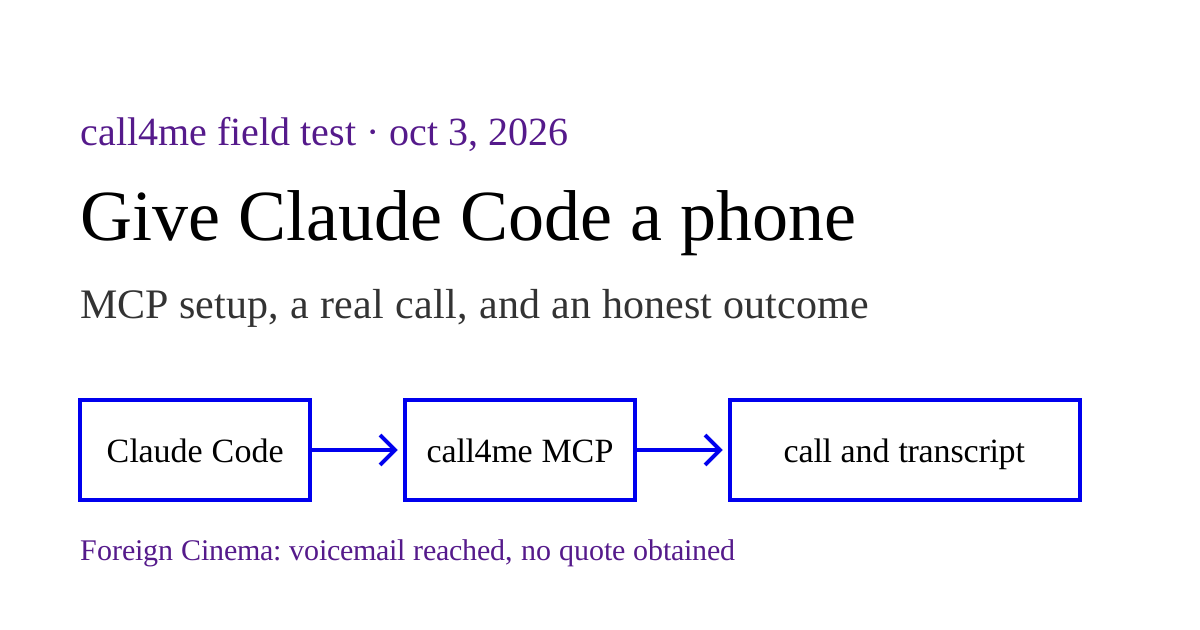
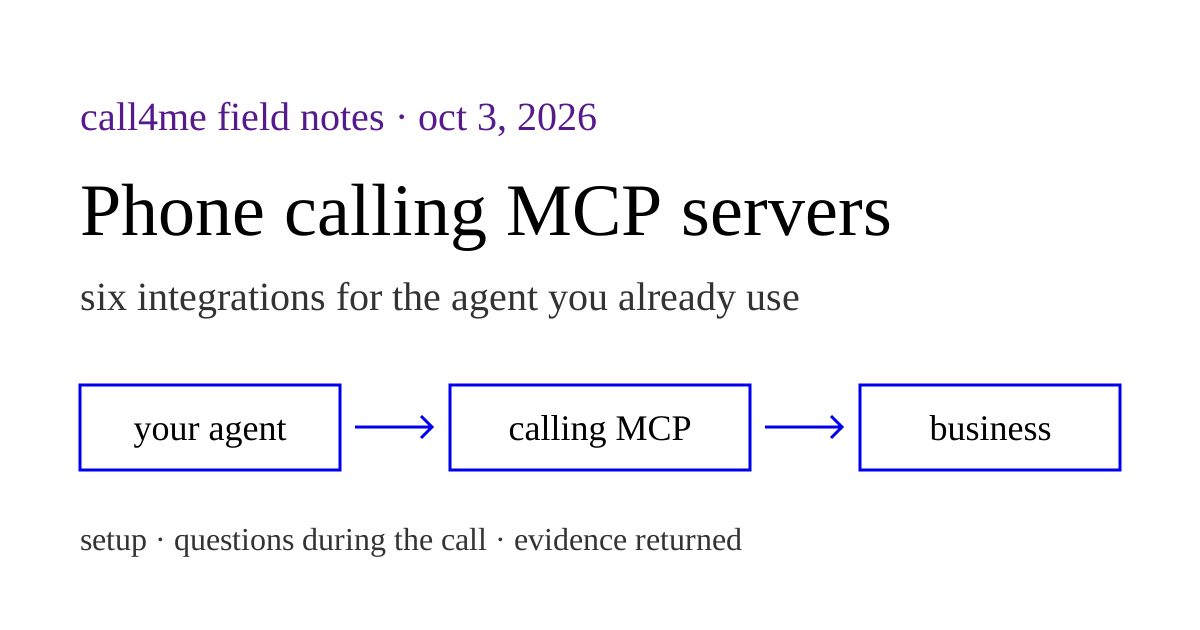
Claude Code can make phone calls through an MCP server. Add call4me to the session you already use, ask it to call a business, and it gets the status, transcript and outcome back through tools. The conversation stays part of the research or planning task Claude was already doing.
We tested this on October 3, 2026 with Claude Code 2.1.288 and our own account. Claude connected, read a live balance, called Foreign Cinema in San Francisco, followed the call, and hung up when it reached the private dining voicemail. It did not reach a person or get a quote. The recording and the unanswered questions are below.
Add the phone calling MCP server to Claude Code #
Sign in at call4.me first. In your terminal, run:
claude mcp add --scope user --transport http call4me https://call4.me/mcp
Open Claude Code, run /mcp, choose call4me, and authenticate. The user scope makes the connection available across your projects. For a connection confined to your current project, use --scope local instead. These are the HTTP transport and scope options documented in Claude Code's MCP reference.
Your account page also has a personal MCP URL. You can use that URL instead of the sign in endpoint. It contains your key, so keep it out of shared project configuration and screenshots.
After connecting, ask:
Use call4me_get_balance to check that my phone calling connection works. Show my balance and my call4me phone numbers. Do not place a call yet.
A live tool result is the check that matters. Claude should actually invoke call4me_get_balance, rather than describe what the tool would return. A connection that says it needs authentication cannot place calls.
Continue your research with a phone call #
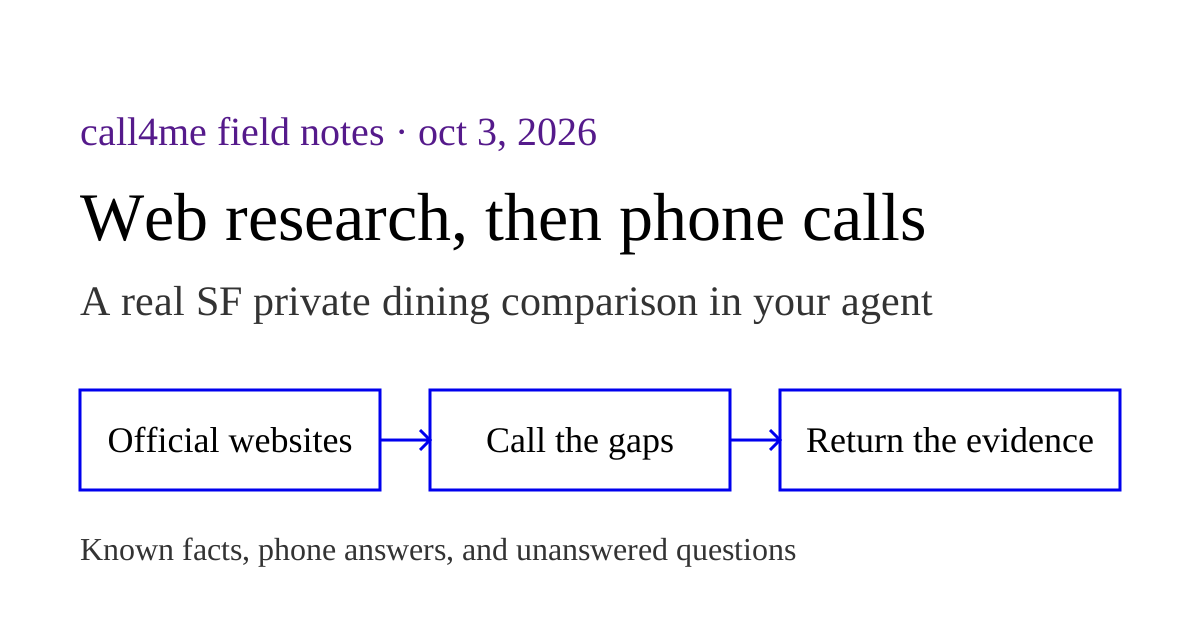
Our task was to compare private dining options in San Francisco. Foreign Cinema's website lists its spaces and capacities, but we wanted to ask how minimum spends vary, what extra fees or deposits apply, and how an inquiry works before choosing an event date.
We had no event date, guest count or budget. That made this a general inquiry, not a reservation. The brief to Claude was:
Call Foreign Cinema at +14156487600 for general private dining research. Ask which spaces are fully private versus semi private and their seated capacities, how food and beverage minimums are quoted, whether a general range is available without an event date, what fees or deposits apply, and how to inquire. We have not decided a date, guest count or budget. Do not invent them. Do not book, hold anything, pay, share callback contact details, or leave a voicemail. If nobody can answer, get the public inquiry process and finish. Limit the call to six minutes.
The number came from the restaurant's official contact page. Claude checked call4me_get_requirements with category general before dialing. That category requires the questions to ask. A restaurant booking category would ask for reservation details we did not have.
What Claude actually did #
The session made this sequence of tool calls:
| Tool | What happened in our test |
|---|---|
call4me_get_requirements |
Checked the fields for a general business inquiry |
call4me_place_call |
Started one call to Foreign Cinema, with category general and max_minutes: 6 |
call4me_get_call |
Followed the call with wait_seconds: 30, receiving its transcript as it progressed |
call4me_hang_up |
Ended the attempt after it reached private dining voicemail |
call4me_get_call |
Confirmed the call had finished and returned the voicemail outcome |
The initial place call result returned immediately with a call ID and status: dialing. A later result showed status: in_progress. The final result had status: completed, finished: true and an outcome of voicemail.
Those fields describe different things. Completed means the call ended. It does not mean the restaurant answered our questions or agreed to anything. Claude needs to read the outcome and transcript before writing its conclusion.
For calls that do reach someone, call4me_get_call can also return an open question. Claude can use call4me_answer_question to send an answer while the business waits. This attempt did not exercise that path, so we are not presenting it as a tested part of this call.
Listen to the actual Foreign Cinema attempt #
Read the Foreign Cinema transcript
The recording keeps the original voices and timing. Private identifiers are muted and shown in brackets. Select a timestamp to seek to that part of the call.
0:00 Phone system: Hello, and thank you for calling Foreign Cinema.
0:04 Phone system: To reach our main line or make a reservation, press 1.
0:08 Phone system: For private dining, press 2.
0:11 Phone system: Please leave a voicemail so we may return your call as we may be assisting another guest.
0:17 Phone system: Dinner is served 7 days a week beginning at 5pm.
0:21 Phone system: Weekend brunch begins at 10.30am.
0:24 Phone system: Films begin at sunset in our outdoor courtyard and play continuously until closing.
0:31 Phone system: Reservations are encouraged and walk ins are warmly accepted.
0:36 Phone system: Laszlo, our classic cocktail bar, is open daily, features the Foreign Cinema menu with weekend brunch service starting at 11am.
0:44 Phone system: No cover charge or reservations required.
0:48 Phone system: Street parking is available, as is the Mission Bartlett parking garage at [street location removed].
0:58 Call4me: Okay, I'm on it.
1:12 Phone system: [ringing]
1:30 Phone system: Hello, and thank you for calling Foreign Cinema Private Dining.
1:34 Phone system: You have reached voicemail for Events Director [name removed].
1:37 Phone system: Please listen to this message.
1:40 Phone system: I'm happy to return your phone call with as many details as possible.
1:44 Phone system: But first, I need some information from you, please.
1:47 Phone system: One, please leave your phone number two times.
1:51 Phone system: Two, please share the date of your event.
1:53 Phone system: And three, please share your estimated guest count.
1:56 Phone system: This will help me greatly to provide you with useful information upon my return call.
2:01 Phone system: It is often faster to email me.
2:04 Phone system: My email address is [email removed].
2:12 Phone system: This email address can also be found on our website under the Private Dining tab,
2:16 Phone system: and there is also a form there that can be filled out for information.
2:20 Phone system: I am at work Monday through Friday and look forward to being in touch with you.
2:25 Phone system: Thanks so much.
The main greeting offered 1 for the main line or reservations, and 2 for private dining. The call reached the private dining voicemail for the Events Director. Its greeting asked for a callback number twice, an event date and an estimated guest count. It said email was often faster and pointed to the private dining section of the website, which also has an inquiry form.
We did not leave a message or share contact details. No booking, hold or payment was made. The tool reported three billed minutes and $0.75 for this attempt, within the six minute cap.
The useful result was a better next step: a detailed quote would require an event brief, and the restaurant directed inquiries to email or its form. The call did not confirm room capacities, minimum spends, fees or deposit terms. Capacities remained facts from the private dining page, not new statements from staff.
For the broader comparison and how we separated website facts from call evidence, read our San Francisco private dining research walkthrough.
What we verified about setup #
We used a fresh Claude Code session with an isolated MCP configuration and our existing account. The actual call used an existing OAuth token on our supported legacy endpoint, https://callbay.skeptrune.com/mcp. After the call ended, a separate fresh session connected to https://call4.me/mcp with the account API key in an Authorization Bearer header and successfully called call4me_get_balance. Both connections exposed 19 tools on this account.
That verifies the current canonical endpoint with an existing account key. We did not run a new account signup or a fresh browser OAuth login in this test. The normal sign in command above follows our current account instructions and Claude Code's documented HTTP setup.
One failure we encountered is worth making concrete. An earlier server alias had a cached needs authentication state. Claude skipped its connection entirely, even when we supplied a valid token. Its debug log identified that cached state. A fresh isolated alias connected and the actual balance tool ran. If your tools do not appear, check /mcp and authenticate the server before asking Claude to make a call.
Use the result in the task you started #
A useful calling brief gives Claude the destination, what you need to learn, the facts it can share, and what it can agree to. If you are researching, say so. If a date or budget is undecided, say that too. Claude should keep those unknowns visible when it reports back.
Once call4me is connected, start with:
Continue the research we are doing. Use call4me to call this business for the facts we cannot find online. Check the requirements before dialing, ask me for anything essential that is missing, follow the call until it ends, and distinguish what a person confirmed from a menu, voicemail or website. Ask me before making any commitment.
That keeps the phone call inside your existing Claude Code workflow, with evidence you can inspect before acting on the answer.