Make phone calls from T3 Code with MCP
Connect the calling tool to the provider behind your T3 thread. We checked a real Codex thread, retrieved a saved schedule, and tested the dialing workflow.
 Nick Khami · · 8 min read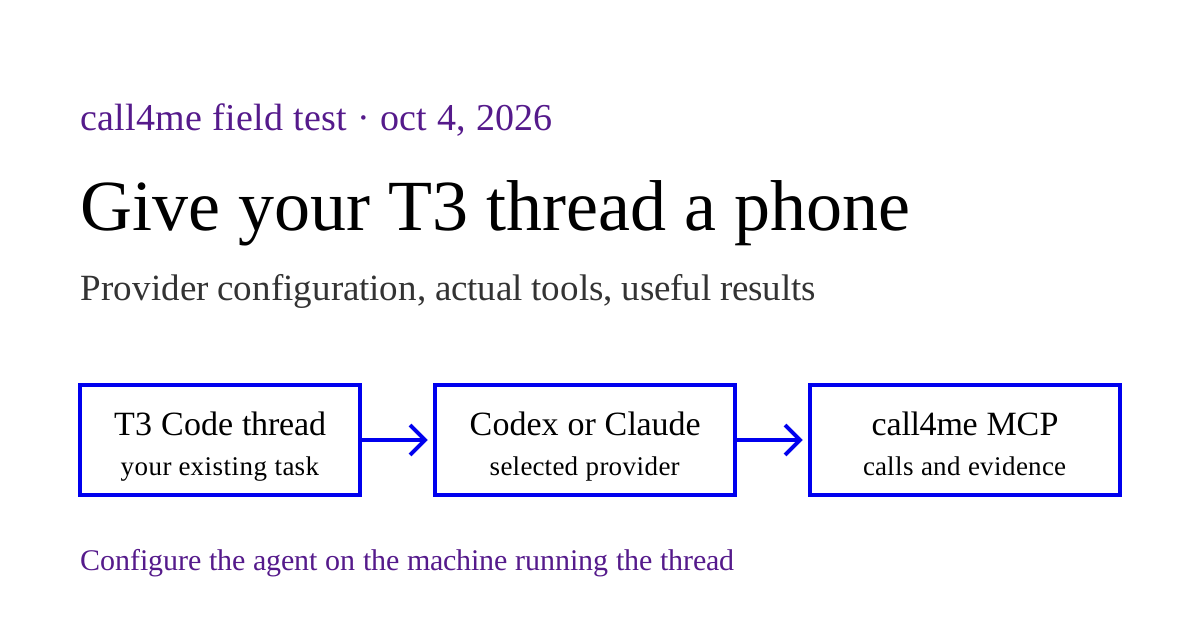
Give the provider behind your T3 Code thread a calling MCP connection. T3 supplies the interface to your agent. Call4me supplies the phone calling tools. The useful result is a call and its evidence returning to the thread you were already using for research or planning.
We tested T3 Code 0.0.45 with Codex CLI 0.160.0 on October 4, 2026. Actual T3 threads checked account access, retrieved an existing schedule, and placed one call to NIST's public automated time line. The calling connection worked, but the caller broke the silence instruction and the requested complete time announcement remained unresolved. This page separates working integration from completion of the task.
First, find the provider and machine your thread uses #
Open Settings, then Providers in T3 Code. Check the environment and provider instance selected by the thread's model picker. The MCP configuration belongs to that provider on the machine running the agent.
This matters if you connect to a remote server, use more than one account, or have both Claude and Codex installed. Adding Call4me to Claude on your laptop does not configure a Codex instance on a remote machine.
T3's installation and provider guide says provider installation, login and configuration belong to the selected environment. Its Codex guide documents separate Codex homes and provider accounts. Its Claude guide documents custom Claude configuration directories.
| Your T3 thread uses | Configure the calling MCP in |
|---|---|
| Default Codex instance | The Codex configuration on the agent's machine |
Codex instance with a custom CODEX_HOME |
That selected home, rather than another account's default |
| Default Claude instance | Claude Code's normal configuration on the agent's machine |
Claude instance with CLAUDE_CONFIG_DIR |
That selected Claude configuration directory |
| A remote environment | The remote provider's configuration and credentials |
Check the actual instance before copying commands. The steps below cover Codex and Claude. We did not test calling through every provider T3 supports.
Add Call4me to the Codex provider #
Sign in to your Call4me account. On the machine and Codex configuration used by T3, run:
codex mcp add call4me --url https://call4.me/mcp
codex mcp login call4me
codex mcp list
Complete the browser sign in. This authenticates Call4me separately from the account you use to run Codex. OpenAI's MCP reference documents the remote HTTP connection, OAuth flow and server configuration.
If the T3 provider uses a custom Codex home, run these commands with that same CODEX_HOME, as described in T3's Codex provider guide. A successful list from a different home does not establish that your selected T3 instance can see the server.
Start a new T3 thread using that provider, then ask:
Use the actual call4me_get_balance tool to check my calling connection. Report whether it succeeded. Do not place a call or print personal numbers or profile details.
Look for the tool invocation and its result. A model describing what a balance tool normally does is not a successful connection check.
Alternative: an API key available to the provider #
Our test used a Call4me account key through an environment variable. This configuration stores the variable's name, rather than the key itself:
[mcp_servers.call4me]
url = "https://call4.me/mcp"
bearer_token_env_var = "CALL4ME_API_KEY"
The process running the Codex provider must receive CALL4ME_API_KEY. Exporting it in an unrelated terminal does not make it available to a desktop application or a remote server. Configure the selected provider's environment using T3's provider settings, or launch the server from the environment carrying the variable. Keep the value out of prompts, screenshots and shared project files.
T3 documents provider environment variables in its provider setup. OpenAI documents bearer_token_env_var in its MCP configuration reference. These are setup paths; our test did not repeat fresh browser OAuth inside T3.
Add Call4me to the Claude provider #
On the machine and Claude configuration used by T3:
claude mcp add --scope user --transport http call4me https://call4.me/mcp
Open a Claude Code session using that configuration, run /mcp, choose Call4me and authenticate. Then start a fresh T3 thread with that Claude provider and request the same balance check.
The command follows Claude Code's MCP documentation. T3's Claude provider guide explains that Claude uses its login and configuration, including the selected CLAUDE_CONFIG_DIR. If you use a custom directory, apply it consistently during setup and in the provider instance.
This Claude path is documented, not a completed T3 Claude calling test. Our earlier Claude Code calling test verifies a standalone Claude session and includes a recording. The actual T3 test on this page used Codex.
What we verified inside T3 #
We ran an isolated T3 web interface on Linux with a dedicated data directory and a separate Codex configuration. The selected provider was Codex, using model gpt-6-astra. The provider process received the account key through its environment.
The first thread was deliberately limited to account access and inspecting an existing schedule. It successfully used call4me_get_balance and call4me_get_call, then returned:
Access check: succeeded.
Business: MyEyeDr. Cinco Ranch
Schedule status: pending
UTC time: October 5, 2026, at 14:15 UTC
Linked call: No
The pending record was separately verified through production MCP. The T3 thread did not create or change it. That distinction is useful: T3 can retrieve work saved through another session on the same calling account, but a retrieved future schedule is not evidence of a completed conversation.
For the exact schedule input, cancellation and later result retrieval, see scheduled phone calls from Claude Code or Codex.
An actual call launched from a T3 thread #
We used a second fresh T3 thread with the same Codex provider. The destination was NIST's public automated WWV time service at (303) 499 7111, verified against NIST's official FAQ. The service is intended for listening to the broadcast and announces UTC time at the top of each minute.
The brief authorized one attempt with a two minute cap. It required silent listening for one complete announcement, no profile disclosure, no voicemail or callback, no user connection, and no retry. This was an automated information line, not a reservation or conversation with staff.
| Tool inside the T3 thread | Observed result |
|---|---|
call4me_get_requirements |
Checked the general inquiry fields before dialing |
call4me_place_call |
Returned one new call ID and a dialing status |
call4me_get_call |
Followed that same ID and returned the live transcript |
call4me_hang_up |
Codex ended the call after noticing speech contrary to the brief |
call4me_get_call |
Returned a completed call with a partial outcome |
call4me_get_recordings |
Returned an available carrier recording |
The live transcript contained “At the tone”, without a complete UTC hour and minute. It also recorded the caller saying “Hi, hello? Hello, are you still there?” despite the silence instruction. Codex identified the violation, ended the attempt, and returned an unresolved answer rather than filling in the time from its clock.
This establishes dialing, status following, stopping and recording retrieval from a T3 Codex thread. It does not establish successful silent listening or completion of the requested task. It also does not test a human conversation, a phone menu, an unattended scheduled call, or a T3 Claude provider.
Listen to the T3 calling attempt #
Read the recording evidence timestamps
The full decoded recording lasts 42.78 seconds. The export normalizes loudness without trimming or changing the timing. The carrier metadata spans 43.24 seconds; that reported span is different from the decoded audio duration. Independent transcription of the source, export and ending supports these approximate timestamps. No private spoken identifiers were found.
0:09 Call4me: Hi, hello?
0:21 Call4me: Hello, are you still there?
0:41 Automated announcement: At the tone, two... [recording ends]
The audio confirms caller speech and only the beginning of an automated announcement. The live transcript shortened that ending to “At the tone”. Neither provides a complete time. The coding agent correctly reported the missing result, while the voice caller failed the silence instruction.
Keep a phone call inside the task #
Once the connection works, give the thread a destination, questions and limits:
Continue our research using the business's official website first. Identify one important fact we still cannot establish online. Show me the number and the question before calling. Make one informational call using Call4me, check the category requirements, and follow the returned call ID until it ends. Do not book, pay, share personal details, request a callback or leave a message. Return the answer, who supplied it, the recording if available, and anything unresolved.
The task brief travels to the voice caller. Essential facts must be included in the call request, rather than left implicit in earlier chat messages. A calling MCP gives the thread a task and result interface; it does not make the entire coding session the voice on the line.
| Step | Tool and evidence |
|---|---|
| Check account access | call4me_get_balance returns a real account result |
| Check required facts | call4me_get_requirements identifies missing category fields |
| Start one authorized attempt | call4me_place_call returns a stable call ID |
| Follow the same attempt | call4me_get_call returns progress, transcript and outcome |
| End when needed | call4me_hang_up acts on that call ID |
| Retrieve available evidence | call4me_get_recordings returns available recordings |
A status of completed means the call ended. Read the outcome and transcript before concluding that the business answered the question. Our research walkthrough shows automated concierges, voicemail and unresolved information in actual calls.
If the connection works outside T3 but not inside it #
Compare provider instances and configuration locations first. Check the thread's selected environment, provider and account. Inspect a custom Codex home or Claude config directory before changing the Call4me credential.
Check the launching environment. A bearer variable available to your terminal can be absent from the provider process. T3's provider settings and the environment running the server are the relevant places to inspect.
Use a fresh thread after configuration changes. The earlier provider session may have started before the MCP was added. Repeat the account read in the new thread before dialing.
Separate authentication from permission to dial. A successful account read proves access, not authorization for every calling action. Give the agent a specific destination and bounded task, and review any requested permission in the thread. T3 documents its behavior in permission modes. Our test used full access in an isolated research environment; that is not a requirement for every user.
Inspect the same call before retrying a timeout. A slow status response does not prove the line disconnected. Creating another call can duplicate the attempt.
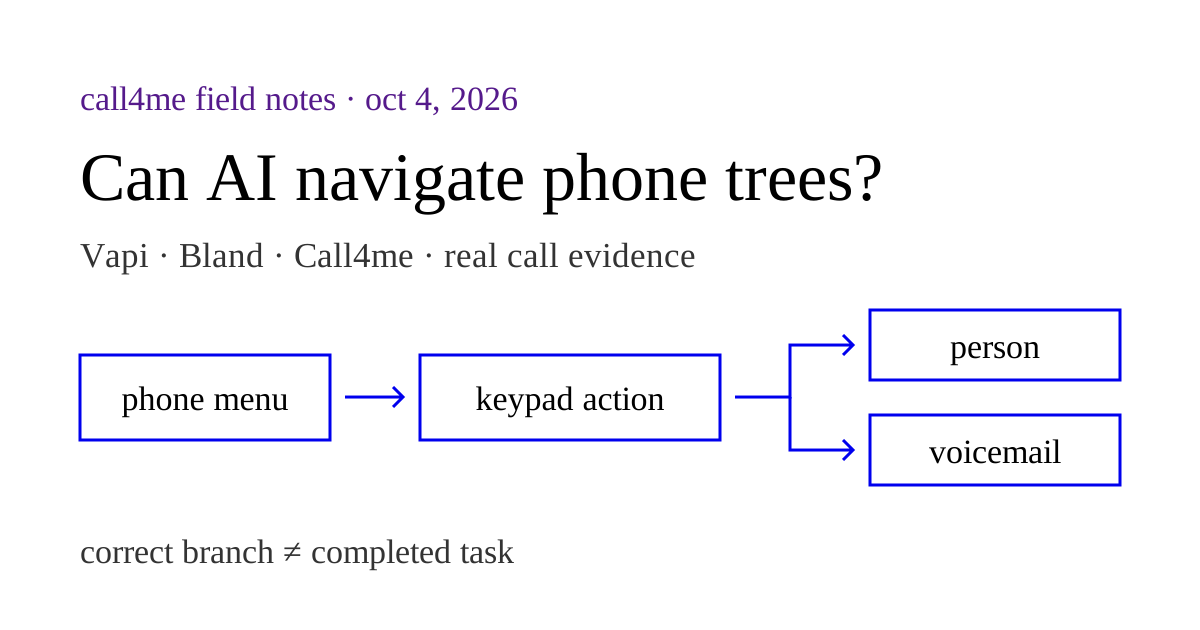
If you are choosing a service, compare the calling MCP workflows. If the destination has a menu, use the phone tree guide to distinguish keypad actions, destination arrival and completion of the task.