San Francisco Main Library phone number: menu, hours and staff help
Call 415 557 4400 for San Francisco's Main Library. We reached a staff member who answered questions about quiet laptop seating, power outlets and WiFi. Hear the call and find the right menu option.
 Nick Khami / / number verified / 4 min read
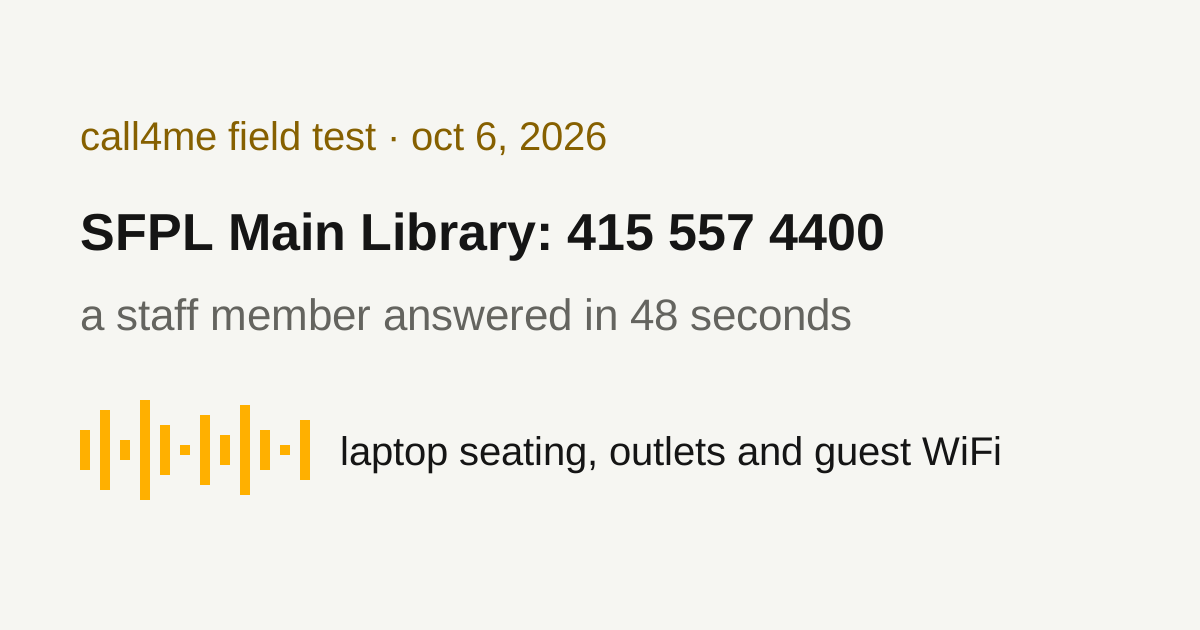
The San Francisco Public Library Main Library phone number is 415 557 4400. The official branch page lists the building at 100 Larkin Street. On our recorded call, the menu announced 3 to speak with library staff and 2 for the Main Library reference desk.
We called on October 6, 2026, at 4:22 pm Pacific, using Meta Muse connected to call4me. A staff member answered about 48 seconds into the recording and explained where adults can quietly use a laptop, find outlets and access WiFi. We did not reserve a seat or visit the library to test the connection.
This article uses that previously published call. We checked the official contact information and regular hours on November 2; we did not make a new call today.
Main Library hours and contact options
These regular hours appear on the Main Library page. Check that page for your visit date and any special closure.
| Day | Regular hours, Pacific time |
|---|---|
| Monday | 9 am to 6 pm |
| Tuesday, Wednesday and Thursday | 9 am to 8 pm |
| Friday | Noon to 6 pm |
| Saturday | 10 am to 6 pm |
| Sunday | Noon to 6 pm |
The branch page also lists ask@sfpl.libanswers.com. SFPL's contact page gives 415 557 4433 as the TTY number. Other branches have their own numbers in the locations directory, so choose the branch you plan to visit.
The phone menu we heard
| Question or department | Option announced in the recording |
|---|---|
| Main Library hours and location | 1 |
| Main Library reference desk | 2 |
| Speak with library staff | 3 |
| Community meeting rooms | 4 |
| Renew materials or get account help | 5 |
| Community programs, partnerships and public affairs | 6 |
| Repeat the menu | 9 |
| Go back | Star |
The call transferred to a staff member who answered “Library information.” The recording establishes the announced options and the transfer, but it does not establish which keypad digit the caller sent. We did not test every department or measure a typical wait time.
Hear the staff answers
The complete recording is about 1 minute 49 seconds. It retains the menu, transfer, conversation and goodbyes at their original timing.
Jump to a question:
- 0:00 The library's department menu.
- 0:48 A staff member answers.
- 0:51 The caller asks about quiet personal laptop use in general seating.
- 1:02 The caller asks where to find seating with outlets.
- 1:11 The WiFi questions begin.
- 1:27 The caller asks about noise and seating time restrictions.
The complete transcript and original Muse test show the conversation, including overlaps and uncertain words.
Can you work on a laptop at the Main Library?
The staff member said an adult could quietly use their own laptop in general seating. Asked where to find outlets, they directed us to floors three, four and five. For the question about noise rules or seating time limits, the answer was to keep the volume low.
That is useful guidance for a quiet laptop visit. It does not establish that a seat or outlet will be free when you arrive, or that calls and meetings are allowed in the seating area. We did not inspect the building or perform a full review of its conduct policies.
Private study rooms have a separate rule. The official study room page says they are taken in person when available, cannot be reserved and are not intended for sessions lasting several hours. Asking about general seating is different from trying to book a room.
Does the WiFi require a password or library card?
On the call, the staff member said the WiFi had no password and anyone could use it. The caller's question about a card ended with an interrupted “or for just,” so the answer does not separately establish a library card rule for seating.
SFPL's published WiFi FAQ names the network as #SFLibraryWiFi. That FAQ is dated January 14, 2019, and includes older device instructions. We could not resolve every letter of the network name from the call, and did not check the currently displayed network on a device. Confirm the name with staff if it differs when you arrive.
A staff answer about guest access is not a WiFi speed test. Our call did not check signal quality, upload speed, login screens or whether a particular application would work.
Ask your assistant a useful library question
Start with the official branch page for information already published, such as opening hours. Use a call for a question that still needs staff help:
Call San Francisco's Main Library to ask about my planned visit. First ask me the visit date, time and anything specific I need. Check the branch's official page for its current number and hours. Ask where I should look for quiet laptop seating and outlets, and whether any current restriction affects my visit. Do not reserve a room or promise a seat. Return what staff actually confirmed and what remains unknown.
The Muse connection guide explains the setup used for this recording. For other assistants, use the call4me install page. The original Muse walkthrough documents the tool sequence and recorded result; this page focuses on contacting the library.
See the company and service phone directory for more recorded routes to a person, or the business calling guide for other informational calls your assistant can make.