How to use Meta Muse for your first informational phone call
Ask one library about laptop seating, outlets and guest WiFi. Includes published branch numbers, a bounded call brief and a checklist for the returned answers.
 Nick Khami · · 5 min read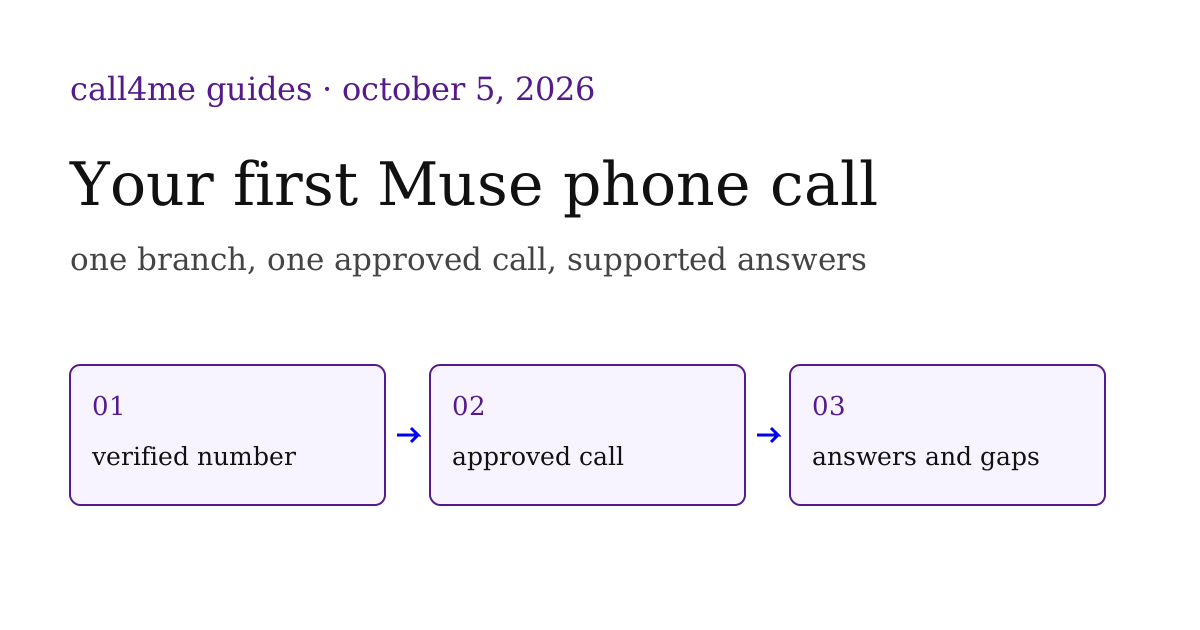
Use Meta Muse for one small informational phone call: ask a library whether its general seating fits your laptop session. Published hours establish when it opens. A conversation can clarify where adults can work, where to find outlets and how guests access WiFi. The result should identify who answered and what they could actually confirm.
This walkthrough prepares that task using official San Francisco Public Library pages checked October 5, 2026. We have not executed this library call in Muse. Our consumer Muse connection test established an authenticated balance check, not a completed business call or reliable reuse from every later conversation.
Use the one call brief to choose a branch and record its answers. It contains the exact questions, approval boundary and empty outcome fields.
Choose the branch and the question before dialing #
Supply your branch, visit date, local time window and the facts that matter. Our example window is Tuesday, October 6, from 2 pm to 5 pm Pacific. For a different visit, change the date and check that day's current schedule. Do not ask the caller to invent your location, guarantee a seat or reserve a room.
| Branch and official number source | Published phone | Regular Tuesday hours |
|---|---|---|
| Main Library | (415) 557 4400 | 9 am to 8 pm |
| Chinatown/Him Mark Lai | (415) 355 2888 | 10 am to 8 pm |
| Mission Bay | (415) 355 2838 | 10 am to 6 pm |
These are the numbers on the respective official pages. Recheck the selected branch's own page before the call. Regular opening hours do not confirm staffing, special closures or seating availability for a particular visit.
SFPL's study room policy already answers one question: rooms cannot be reserved, require signing in in person when available, and are not intended for use lasting multiple hours. Main and Mission Bay appear on its room list. A three hour session should therefore ask about general seating, without requesting an exclusive room.
The Main page links to an official WiFi FAQ that returned a rate limit response during our research. Guest access steps and outlet locations remained unanswered. Those are specific questions for the call, rather than claims to fill in from memory.
Check Muse's phone connection with a harmless read #
Meta documents supported connectors and asking Muse to create custom connections. Use the consumer Muse setup guide if Call4me is not connected. Enter credentials through its connection flow, then ask for call4me_get_balance without placing a call.
Continue only when that request returns an authenticated result and Muse can discover the current calling tools. A connector card or a saved skill claim is insufficient. If the message itself is not delivered, solve that separately before asking for a call. The consumer Muse integration described here differs from Muse Code's native MCP path.
Send the task, then approve one specific call #
This complete prompt includes preparation, access checks and the approval boundary. Replace the bracketed inputs before using it:
I want one informational library call through Call4me. My chosen branch is [branch], my visit date is [date], and my quiet laptop work window is [local start and end time with timezone]. Read that branch's official SFPL page to verify its number and hours, and read the study room policy. Check Call4me access with a balance request, without dialing. Prepare questions about adult general seating for a personal laptop, outlet locations and guest WiFi login. Do not ask for a guaranteed seat, a room reservation or permission to take a business call inside the library. Show me the selected branch, published number and source, exact questions, caller identity from my profile and a four minute call limit. Ask for approval of that single call and wait. After I approve, check the current general category requirements, use the live tool schema and call once with call4me_place_call.max_minutes set to 4. Do not reserve, buy, leave voicemail, arrange a callback or share contact details beyond the identity I approved. Follow the same returned call ID with call4me_get_call until the call ends, collect its transcript and retrieve available evidence with call4me_get_recordings, and return who answered, each answer, unresolved questions and the result links. If access or call delivery fails, report that failure without claiming an answer.
The caller identity matters because an account may have a saved calling profile. Inspect it before approval. Our recorded research calls showed callers introducing the profile owner's name even when a brief sought to avoid sharing it. A prompt alone should not be treated as a verified privacy control.
Download the prepared call brief to keep the questions and scope next to your result. After you approve the branch, identity, questions and limit, the intended sequence is:
call4me_get_balance, with no call authorized
Read the selected branch's official number and hours
Show the call plan and wait for approval
call4me_get_requirements(category: "general")
call4me_place_call using the current schema and max_minutes: 4
call4me_get_call until the call has ended
Retrieve the available transcript and recording
Return confirmed answers and open questions
This is the intended workflow, not a log of an executed Muse call. The requirements check may reveal missing information. Resolve that before dialing, without silently expanding the authorized task.
Judge the answers, not just the completed status #
The useful final report separates three kinds of information:
| Evidence | What it establishes | What it does not establish |
|---|---|---|
| Official branch page | Published number and regular hours | A seat or outlet available at your arrival |
| Human or automated phone answer | What that respondent said about the questions | A reservation or a guaranteed future condition |
| Voicemail or unanswered call | Which route was reached | An answer to the laptop questions |
Ask for the transcript evidence supporting each phone answer and a recording link if available. A general statement about outlets should identify where the respondent said to look. A WiFi answer should distinguish a login instruction from a measured speed. If someone cannot answer, keep that question open.
The reference report and structured preparation data contain the official source baseline and empty phone outcome fields. They are complete preparation assets, not a fabricated call transcript.
Before accepting a result, check that the caller reached the branch you approved, stayed within the questions and action limits, and returned a supported answer or an honest unanswered question. No booking confirmation should emerge from an informational seating inquiry.
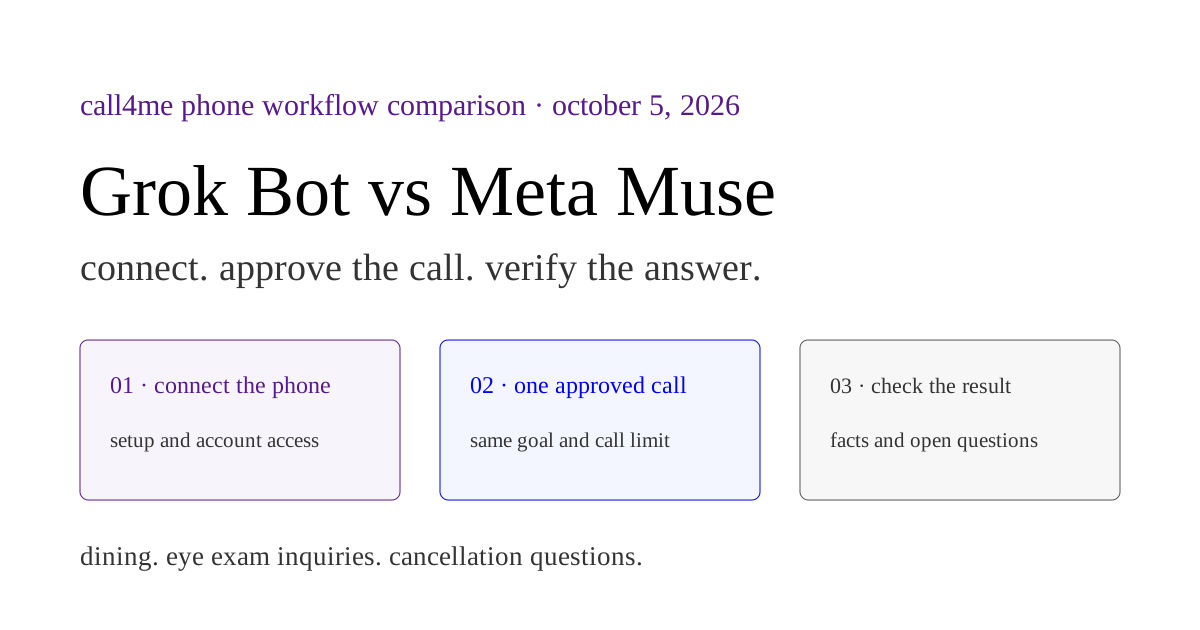
For several business calls with a shared specification, use the Muse supplier phone brief. For repeatable calling tasks, see Grok Bot templates, reusable skills and template troubleshooting. The Grok Bot versus Muse comparison explains the client differences.