Grok Bot vs Meta Muse for phone calls: setup, evidence and three inquiry briefs
Compare how each agent connects a calling service, prepares an approved inquiry and checks the answer. Includes three matching call briefs and a worksheet for recording actual results.
 Nick Khami · · 9 min read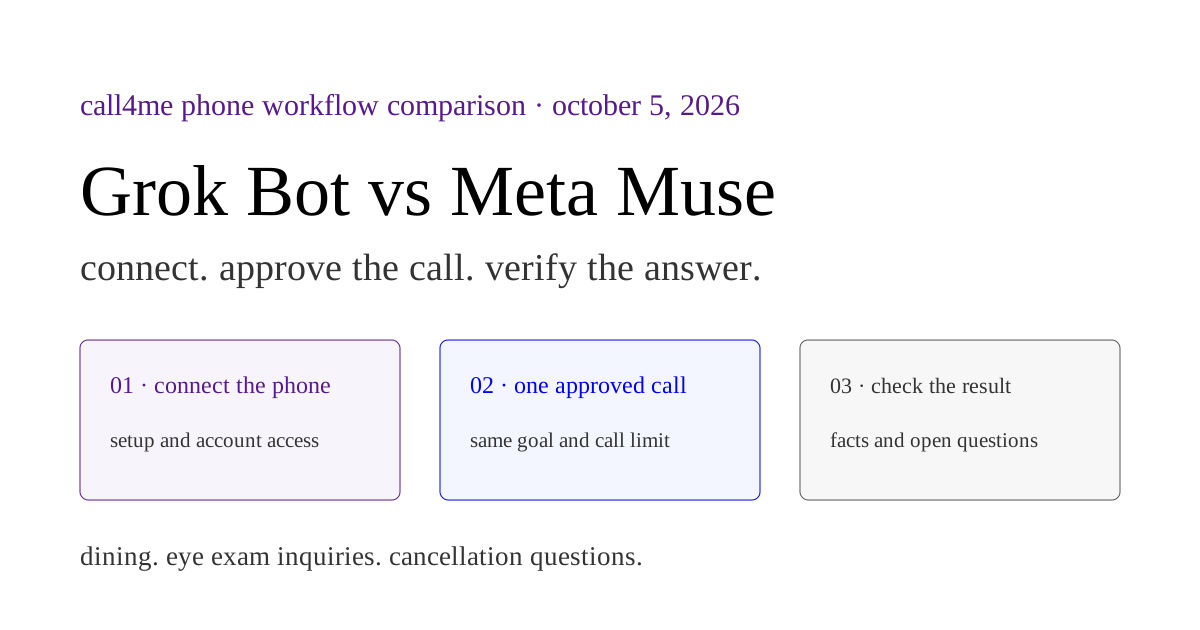
Grok Bot has completed a real Call4me restaurant call in our tests. Meta Muse has completed a connector setup and live balance check, but we have not verified a business call from Muse. That is the evidence available for choosing a calling workflow today. It does not establish which agent is the better caller.
This comparison concerns Grok Bot and the consumer Meta Muse agent, using the same external phone service. It excludes grok.com chat, the xAI API, Muse Code and Muse's native calling path. We build Call4me, so the comparison focuses on how an existing agent prepares and follows a call through our tools.
Below are the setup differences, the limits of our actual tests and three matching phone inquiry briefs for evaluating both agents. Download the briefs and the call worksheet. We have not run those matched inquiries in both agents. The worksheet's observations are blank.
How each agent gets a phone #
Grok Bot can use plugins and custom MCP servers. Meta describes Muse as able to write custom connectors for services with APIs or CLIs. The underlying connection paths differ, even when both reach the same calling service. Grok Team Bot setup, Meta's connector description.
| Calling step | Grok Bot | Consumer Meta Muse |
|---|---|---|
| Add Call4me | Our personal Bot accepted a request to add a custom remote MCP server | Our tested Muse session built a custom connector using the MCP SDK |
| Authenticate | Our personal Bot used the account's personal server URL, which contains a key | Our Muse test entered the key through a separate Connect card, outside chat |
| Check access | Returned live balance information | Returned live balance information after fixing an SDK import error |
| Place a business call | Verified in the personal Grok Bot conversation described below | Not verified in our reviewed Muse tests |
| Follow the result | Returned the restaurant call's partial outcome, transcript and recording metadata | The connector reported available tools, but we did not execute a business call or its result loop |
| Reuse later | Our October 4 run reopened the existing Bot and used its saved connector | October 4 restored the earlier conversation, but new message delivery was unconfirmed and no new balance result returned |
Use the Grok calling setup guide for its actual connection instructions. Use the Muse calling setup guide for its custom connector prompt and secure credential flow. Keys and personal MCP URLs belong in your own setup, never in shared call briefs or worksheets.
On a Grok Team Bot, check whose account the connector uses. xAI distinguishes personal sign in from a Bot credential shared across its conversations. A personal key in a shared configuration can put calls on the wrong account. The personal Bot test here does not verify every Team Bot path. Official account ownership rules.
What the actual calls and checks establish #
On October 4, Grok Bot 0.63.0 called Foreign Cinema to ask whether four people could walk in that evening and what arrival time the restaurant recommended. The recording supplied a general walk in policy. No person confirmed space for four or an arrival time. Grok retrieved the partial outcome and recording metadata, and the call record names its hangup tool as the ending reason.
The recording also contains a brief caller interjection and automated prompts. We did not capture a native keypad action trace or establish immediate silent hangup. Grok's summary said no voicemail was left, but we did not independently establish whether speech was recorded by a mailbox. Read the full Grok test and recording before treating that call as proof of successful menu handling.
Muse's October 1 setup returned account data matching our balance and reported saving a reusable skill. It did not exercise a call. On October 4, its requested new balance check showed unconfirmed message delivery. That attempt does not identify a connector failure or prove reuse from a fresh conversation. See the Muse test evidence.
These are unequal tests. They support choosing a currently demonstrated setup path, but not a ranking of voice quality, speed, reliability or task success. A comparison of the same calls still needs actual results from both agents, with changes in business availability accounted for.
Compare the whole calling workflow #
Once the connection works, give either agent the same sequence. A website helps find the published number and avoid asking questions already answered online. The phone inquiry is the task.
| Stage | What the agent needs to do | Evidence to keep |
|---|---|---|
| Define the inquiry | Gather the relevant date, party size, service or account context without guessing | Reviewed questions and missing inputs |
| Check prerequisites | Run call4me_get_requirements, inspect the current category and collect required facts |
Requirements result and approved disclosure |
| Obtain authority | Show the business, published number, goal and proposed duration, then wait for permission for this attempt | The approved brief and duration |
| Start one call | Use call4me_place_call and pass the approved duration as max_minutes |
Actual tool invocation and returned call id |
| Follow it | Use call4me_get_call on that same id; respond to open questions within the approved authority |
Status, transcript and questions |
| Check the answer | Read the outcome and retrieve available evidence with call4me_get_recordings |
Human, automated menu or voicemail answer, confirmed facts and gaps |
Those names and fields match Call4me's current interface. call4me_place_call returns before the conversation finishes. call4me_get_call exposes status, open questions, transcript and final outcome. Recordings can be unavailable or pending; an empty recording list is not a successful recording retrieval. Call4me tool reference.
If a question comes back during the call, use call4me_answer_question only with facts and decisions you are authorized to supply. A question about accepting a booking or charge needs your decision. A slow status check does not justify starting another call.
Caller identity also needs review. Our other client tests disclosed a saved profile name despite instructions against profile disclosure. Do not assume a privacy restriction in the brief has been enforced. Review the actual introduction and avoid giving an administrative inquiry unnecessary patient or account information.
Three matching phone inquiry briefs #
Each brief prepares one bounded call to one selected business. Copy the same completed brief into each agent, with the same connection and permissions. Before the call, collect missing facts and agree on a duration. The prompts do not themselves authorize dialing.
For a fair comparison, record the time of each attempt and whether a person, menu or voicemail answered. Different staff and changing availability can affect the result. Even matched instructions do not make two conversations identical.
1. Restaurant space and availability #
Prepare one Call4me phone inquiry to [restaurant]. Use its official site to find the published number and any relevant room or seating information. Ask me for the event date, party size, seated dinner versus reception format, preferred time with time zone, flexibility and privacy needs. Do not infer missing details or ask about availability for an invented event. Check call4me_get_requirements for the appropriate inquiry category. Draft questions about the space that fits, privacy, availability and any minimum spend or separate room fee. Show the number, questions, information the caller may share and proposed call duration. Wait for my permission for this attempt. Once I approve, place one inquiry with max_minutes set to my approved duration. Do not book, hold a space, pay, request a callback or leave a message. Follow the same call id with call4me_get_call, address open questions within my authority and retrieve available recording metadata. Return phone confirmed facts, source type, unanswered questions and the next step.
Judge: Did the caller ask about the actual event? Did the final answer distinguish published capacity, phone statements and availability? A menu's general policy is not confirmation of a room for your group. Our private dining calls illustrate those gaps.
2. Eye exam price and appointment questions #
Prepare one Call4me administrative inquiry to [optometry practice]. Find the published number on its official site. Ask me which exam I need information about, whether I am a new patient, my date range and available times with time zone, and whether I want self pay or a specific insurance participation inquiry. Do not invent symptoms or choose medical care. Identify the personal information this inquiry requires and ask what I permit the caller to disclose. Check call4me_get_requirements for the appropriate inquiry category and collect missing required facts. Draft questions about the relevant exam price, what it includes, required extra charges and appointment openings. Show the questions, disclosure and proposed duration, then wait for my permission for this attempt. Once approved, place one call with max_minutes set to my approved duration. Do not book, supply payment, request a callback or leave a message. Follow that same call id and respond to open questions only within my authority. Return the stated price and scope, offered openings with time zone, who answered, unresolved coverage or fee questions and available recording metadata.
Judge: Did the price apply to the exam asked about? Did the agent keep insurance participation separate from coverage for your particular service? An opening offered during a call is not a held appointment. Our recorded eye exam example shows why service scope matters.
3. Membership cancellation route #
Prepare one Call4me inquiry to my [service and home location] about how cancellation works. Ask me for the exact home club or account location, relevant plan or agreement information and renewal date if known. Use official sources to find that location's published number. Check call4me_get_requirements for the inquiry category. Draft questions about the accepted cancellation method, required account holder steps, notice timing, fees and when access ends. Identify which questions can be answered generally and which need account verification. Do not invent a fee, deadline or eligibility. Show the proposed questions, permitted disclosure and duration, then wait for my permission for this attempt. Once approved, place one inquiry with max_minutes set to my approved duration. Do not cancel, change billing, accept a retention offer, request a callback or leave a message. Follow the same call id and ask me before any disclosure or decision beyond this brief. Return the actual answers, their source, unresolved account specific terms and available recording metadata. State clearly that this was an inquiry and no cancellation was authorized.
Judge: Did it call the correct location and preserve unknown agreement terms? Did it avoid reporting a canceled membership from a process inquiry? Our two Planet Fitness inquiries show location specific answers worth checking against your agreement.
Record results before choosing an agent #
The worksheet has one blank row per agent and inquiry. Record the goal, requirements, approved duration, actual invocation, stable call id, answer source, transcript or recording, corrections and unresolved questions. Keep keys, private patient details and signed recording URLs out of anything you share.
A good result may be partial: the restaurant confirmed a policy but not availability, the office quoted an exam without establishing every inclusion, or a club required the account holder to complete cancellation elsewhere. Preserve that distinction rather than awarding success because a call ended.
Finally, check reuse separately. Grok documents skills and routines, but the next task still needs current inputs and permission. Muse reported saving our connector skill, but its later execution remains unverified. Recheck access in the conversation doing the work before approving another call.
If you need a demonstrated personal Bot calling path, start with the Grok test. If Muse already handles your tasks, use its connector guide, verify a current account read and evaluate one approved inquiry. The useful comparison is the actual answer each returns to your original task, with the gaps still visible.