Can Claude make phone calls? Add call4me as a custom connector
Claude on the web, in Claude Desktop and in the mobile apps can place phone calls once you add a calling MCP server as a custom connector. Here are the steps from Anthropic's docs, the plan limits, and a first prompt that checks the connection before anything dials.
 Nick Khami / / 8 min read
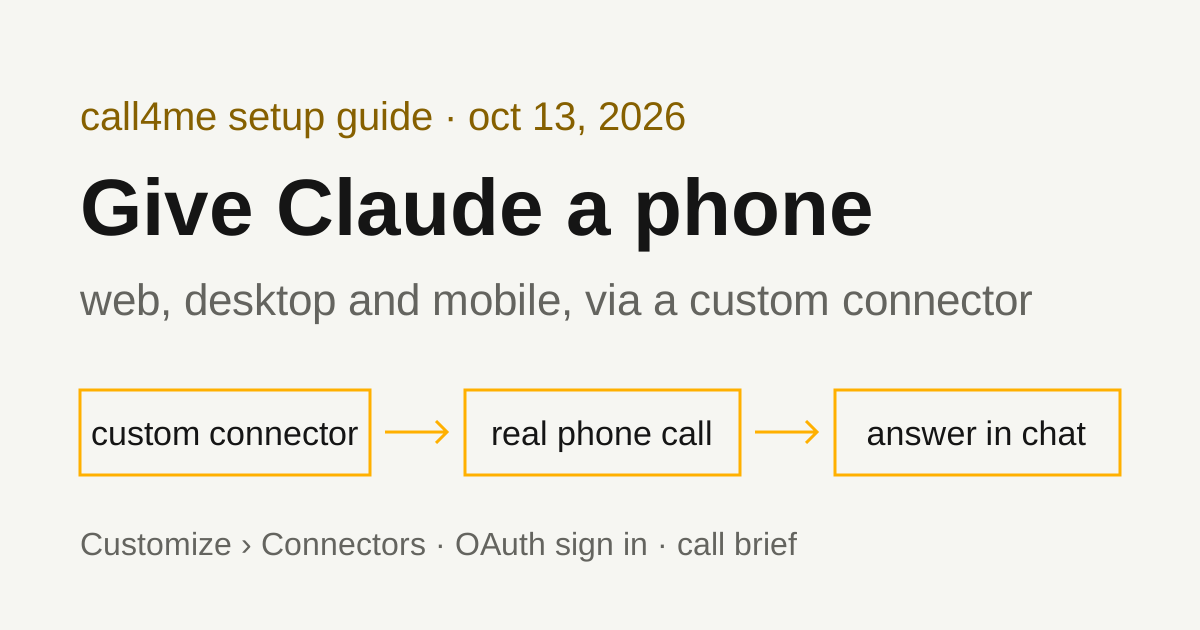
Yes. Add call4me as a custom connector, and Claude can place phone calls from a chat. In Claude, go to Customize > Connectors, click + Add, then Add custom connector. Name it call4me, enter https://call4.me/mcp, and click Continue through the authentication review, then Add. Sign in to call4me in your browser, turn the connector on in your chat, and ask Claude to call a business with a goal and clear limits. A voice caller handles the conversation; Claude follows the status and transcript through tools and tells you what happened.
This guide is for the Claude chat apps: claude.ai, Claude Desktop and the mobile apps. If you use Claude in the terminal, follow our tested Claude Code phone calls guide instead. It uses claude mcp add, not the Connectors screen.
How we checked this
- The Claude steps below come from Anthropic's official pages: the Help Center article Get started with custom connectors using remote MCP (shown as "Updated over a week ago" when we read it on October 13, 2026, with no exact date) and the Claude docs page Add a connector that isn't in the directory (no date shown). Where the two pages differ, we say so.
- The call4me side is tested. The same endpoint, OAuth sign in and tools are used in our tested guides for Codex, Claude Code, GitHub Copilot CLI and LangChain.
What you need
- A Claude account. Anthropic's Help Center says custom connectors using remote MCP are available on Claude, Cowork and Claude Desktop for Free, Pro, Max, Team and Enterprise plans. Free users are limited to one custom connector.
- A call4me account and calling credits for the phone part. Calls cost $0.25 per minute from pickup, including phone menus and hold time. Prepaid credits start at $10. A free US number is assigned to your account on your first call. Current rates are on call4.me.
Your Claude account and your call4me connection are separate sign ins.
Add call4me on a Free, Pro or Max plan
These are the Help Center steps for an individual plan:
- Go to Customize > Connectors.
- Click + Add, then Add custom connector.
- Enter a name, such as
call4me. This is the name you see in the connectors list. - Enter the remote MCP server URL,
https://call4.me/mcp, and click Continue. - Review the authentication settings Claude detected, and click Continue.
- Under Authentication, choose how you connect. The options are Sign in now, Sign in when needed and No sign in.
- Under OAuth client, choose how Claude identifies itself. The options are Use Claude's published identity (Recommended), Register automatically and Use your own OAuth client.
- Click Add.
For call4me, Sign in now lets you finish the call4me sign in (Google or X, in your browser) while you are setting things up. call4me supports dynamic client registration, which is what Anthropic's docs page says Register automatically uses. We haven't tested which OAuth client option Claude's dialog picks for call4me, so keep what Claude detected unless the connection fails.
Anthropic's docs page notes that the layout of the Add custom connector dialog varies by organization. Some show a name, a URL and Advanced settings on one screen instead of two steps. Its Free, Pro and Max steps also say just Add custom connector, without the + Add step. Use whichever labels your screen shows.
Add call4me on a Team or Enterprise plan
On these plans, members can't add a custom connector themselves. The Help Center says only Owners and Primary Owners can add them on Team plans. On Enterprise, Owners, Primary Owners and people with a custom role that includes Manage access to Libraries can add them.
An Owner adds it for the organization:
- Go to Organization settings > Connectors.
- Click Add.
- Hover over Custom, then select Web.
- Enter a name and the URL
https://call4.me/mcp, then click Continue. - Review the detected authentication settings, click Continue, and choose the Authentication and OAuth client options.
- Click Add.
Then each member connects with their own account: go to Customize > Connectors, find the connector (it usually has a Custom label), and click Connect. With OAuth, each person signs in to their own call4me account, so calls are billed to that person's credits.
Turn the connector on in a chat
Adding the connector doesn't turn it on everywhere. Click the + button at the lower left of the chat, choose Connectors, and toggle call4me on for that conversation.
Alternative: an API key in a request header
call4me also accepts a personal API key from your account page, sent as Authorization: Bearer <key>. Anthropic's docs page describes a Request headers section for this, with a few conditions:
- It's in beta and available to a limited set of organizations. If you don't see Request headers in the Add custom connector dialog, you don't have it yet. Use OAuth.
- For an API key, the docs say to choose No sign-in and add the key under Request headers.
- Claude sends the value exactly as you enter it. Enter
Bearerfollowed by your key, including the space. - On an OAuth connection you can't set
Authorizationas a request header. - On Team and Enterprise plans, everyone who uses the connector shares that credential. With call4me, that means one account and one set of credits for everyone. Each person signing in with OAuth is usually the better fit.
Keep the key out of the chat. Paste it only into the connector dialog, never into a message to Claude.
A good first prompt
Check the connection before anything dials:
Use call4me_get_balance to check my phone calling connection. Show my balance and my call4me phone numbers. Do not place a call.
A live tool result is the check that matters. Claude should actually run call4me_get_balance, not describe what it would return. If your account has no number yet, that's expected: the free US number is assigned on your first call.
Then give Claude a bounded call brief. Name the business, the number, the questions, what the caller may share, and what it must not agree to:
Call [dental office] at [number from their official website]. Ask whether they have a cleaning appointment for a new patient in the next two weeks, what times are open, and whether they take Delta Dental. Give my name as [your name] if they ask. Do not book anything, give card details, or agree to any charge. Limit the call to 10 minutes. Follow the call until it ends, then tell me the answers, anything still unknown, and the call ID.
Fill in the bracketed parts yourself. For a booking, add the dates and times that work and acceptable alternatives. For research, say there is no date or budget and tell Claude not to invent one.
What happens when the call runs
| Tool | What Claude does with it |
|---|---|
call4me_get_requirements |
Checks which facts this type of call needs before dialing |
call4me_place_call |
Starts the call and returns a call ID |
call4me_get_call |
Reads status, transcript and any open question; wait_seconds waits for a change |
call4me_answer_question |
Answers a question the caller raises mid-call |
call4me_get_recordings |
Fetches the recording after the call |
call4me_hang_up |
Ends a call early |
call4me also exposes call4me_get_balance, call4me_schedule_call, call4me_list_calls and call4me_connect_me. The full list is on our MCP page.
Claude places the call, then follows it with call4me_get_call until it ends. A call ID means the call was submitted, not that anyone answered. When it finishes, Claude should report the outcome, the transcript and the recording, and separate what the business said from what is still unknown. If Claude stops before the call ends, ask it to check the same call ID again rather than dial a second time.
Troubleshooting
These come from Anthropic's two pages linked above.
You can't add a second custom connector. The Free plan is limited to one. Remove the one you have, or upgrade.
You don't see a way to add a custom connector. On Team, only Owners and Primary Owners can add one. On Enterprise, Owners, Primary Owners and people with the Libraries custom role can. Ask one of them to add call4me under Organization settings > Connectors, then click Connect under Customize > Connectors.
Claude doesn't use the tools. Check that call4me is toggled on for this chat under + > Connectors. Anthropic's docs page also lets you set an individual tool's permission to Blocked under Customize > Connectors, so make sure the call4me tools you need aren't blocked.
Claude asks before placing a call. That's a tool approval request. The Help Center says to review these carefully and only choose "Allow always" for a server and tool you trust to run unsupervised (Anthropic's docs page spells the button Always allow). For phone calls, approving each one lets you check the number and the brief before it dials.
Research mode. The Help Center says that during Research, Claude can invoke connector tools automatically without further approval, and recommends disabling tools that take write actions. Placing a call is a write action, so turn call4me off before starting Research.
You need to change the connector's sign in method. The Help Center says there is no edit: remove the connector and add it again. Anthropic's docs page says you can edit the name or URL, but authentication settings, including OAuth credentials and request headers, can only be changed by removing and re-adding it. Members then need to reconnect.
Desktop and mobile. Anthropic says Claude connects to a custom connector from its own cloud, from Anthropic's IP ranges, on every client, including Claude Desktop and the mobile apps. Remote connectors are configured and brokered through your Claude account, so the one you add on the web is the same connector in Claude Desktop. call4me's endpoint is public, so no allowlisting is needed. Local MCP servers in Claude Desktop's claude_desktop_config.json are a separate mechanism and aren't needed here.
Authentication fails. Remove the connector, add it again with https://call4.me/mcp, and sign in again. Don't paste a key into the chat as a fix.
Related guides
Terminal users: Claude Code phone calls, plus scheduling a call and getting the result later. For other agents, see Codex phone calls and GitHub Copilot phone calls. To compare calling services and assistants, read our phone calling MCP comparison. Connection details for every client are on the call4me MCP page.