How to make phone calls from Devin CLI with MCP
We connected Devin CLI to call4me, checked the phone tools, called NIST's automated time announcement and had Devin hang up. Here is the configuration, permission setup and actual result.
 Nick Khami / / 7 min read
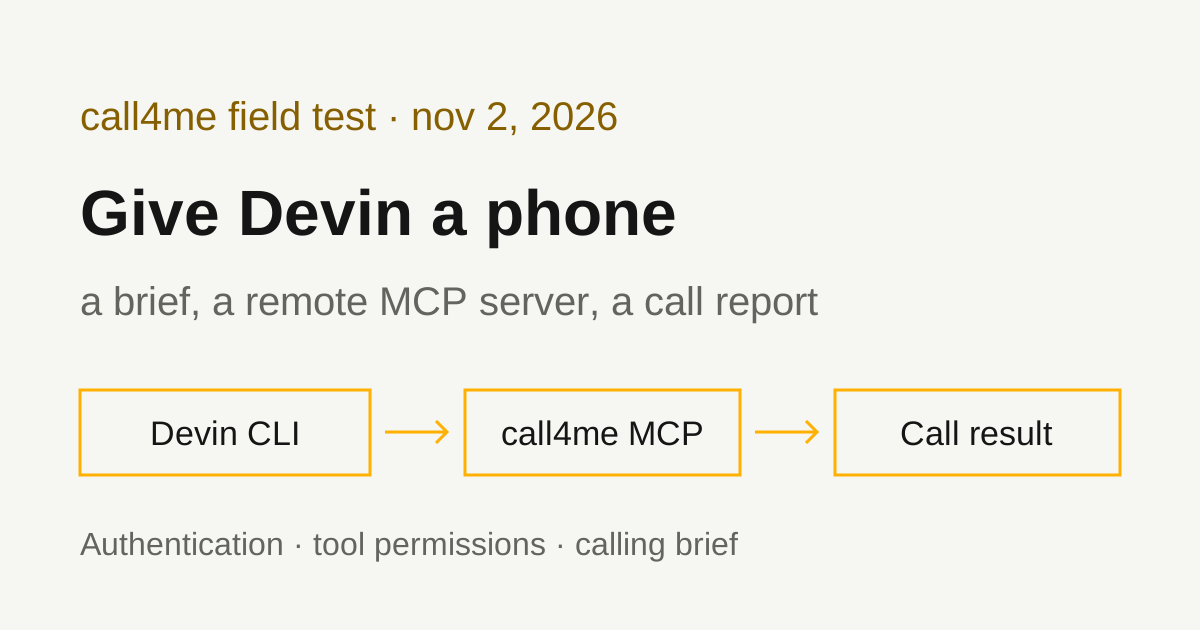
Devin CLI can make phone calls through call4me's remote MCP server. Devin sends a brief, a voice agent handles the phone conversation, and Devin reads the status and transcript through tools. You can bring the result back into the task already running in your terminal.
We verified this on November 2, 2026, using Devin CLI 3000.11.234 on Linux with GPT 6.1 Sol Low Thinking. Devin checked the connection, placed one call to NIST's automated time announcement, captured 18:19 UTC, invoked the hangup tool and followed the same call through completion. The actual tool sequence and transcript are below.
Install and sign in to Devin CLI
You need a Devin account with CLI access, a call4me account and calling credits. The Devin login and call4me authentication are separate.
The official Devin CLI page gives this installer:
curl -fsSL https://cli.devin.ai/install.sh | bash
devin version
devin auth login
devin auth status
Our isolated installation used the official Linux archive, with its SHA256 checked against the release manifest. The binary reported 3000.11.234.
For a remote terminal, Devin documents a manual browser sign in flow:
devin auth login --force-manual-token-flow
Open the link it prints, sign in and paste the returned code into the waiting terminal. We completed that flow and confirmed the login with devin auth status. An existing DEVIN_API_KEY in our environment did not automatically authenticate this isolated CLI installation.
Check the models your account exposes:
devin models list
Our account listed gpt-6.1-sol. We selected it explicitly, and the exported session reported GPT-6.1 Sol Low Thinking. Availability can differ by account.
Configure the native remote MCP connection
In a dedicated test directory, create .devin/mcp_config.local.json with this configuration:
{
  "mcpServers": {
    "call4me": {
      "url": "https://call4.me/mcp",
      "transport": "http",
      "headers": {
        "Authorization": "Bearer ${env:CALL4ME_API_KEY}"
      }
    }
  }
}
This is the server configuration our successful native Devin sessions loaded. Get your key from the account page, then read it into the shell without echoing it:
read -rsp 'call4me API key: ' CALL4ME_API_KEY
printf '\n'
export CALL4ME_API_KEY
devin mcp list
The literal ${env:CALL4ME_API_KEY} reference stays in the file. The variable must be present in the process launching Devin. We verified that the reference worked through actual balance, requirements and calling tools.
Devin's MCP configuration reference documents the dedicated MCP files. Local scope uses .devin/mcp_config.local.json, project scope uses .devin/mcp_config.json, and user scope uses ~/.config/devin/mcp_config.json. The documentation identifies local scope as automatically excluded from Git. Do not put an account key in shared configuration.
Why our example shows the file directly
We also tested the command:
devin mcp add -s local call4me https://call4.me/mcp \
  -H 'Authorization: Bearer ${env:CALL4ME_API_KEY}'
It saved the configuration above, then started a separate OAuth authorization flow. We stopped that extra flow and tested the saved configuration directly. In a separate controlled localhost probe with a dummy value, the add command's discovery requests expanded the environment reference, while its MCP initialization request sent the literal reference.
The saved configuration worked in the actual agent runtime. Fresh Devin sessions successfully used the account key through that reference. These are observations from version 3000.11.234. Listing a saved server, or seeing the add command ask for OAuth, does not establish whether a fresh agent session can use its tools.
We did not test call4me browser OAuth in Devin. The calling connection here used an existing account key.
Check tools before placing a call
For our isolated check, we used this phone-check.json configuration:
{
  "read_config_from": {
    "agents_standard": false,
    "cursor": false,
    "windsurf": false,
    "claude": false,
    "copilot": false,
    "opencode": false,
    "zed": false,
    "cloud": false
  },
  "notify": "never",
  "permissions": {
    "allow": [
      "mcp__call4me__call4me_get_balance",
      "mcp__call4me__call4me_get_requirements"
    ],
    "ask": ["mcp__*"],
    "deny": ["exec", "read", "edit", "grep", "glob", "Write(/**)"]
  }
}
The import settings keep this test from pulling in another client's configuration. The permissions preapprove two specific phone tools and deny the listed local file and command tools. Devin documents the mcp__server__tool matching syntax and the precedence of specific allow rules over broader ask rules at the same level in its permissions reference.
Run the check from the directory containing .devin/mcp_config.local.json:
devin --config phone-check.json \
  --model gpt-6.1-sol \
  --respect-workspace-trust false \
  --export devin-check.json \
  -p "Use only call4me_get_balance and call4me_get_requirements with category general. Report whether both work and which information the call needs. Do not place a call, use other tools or expose private account fields."
Our run executed both tools successfully. The general category required questions; name, phone and order number were optional.
The --print option, abbreviated -p, runs without the interactive interface. We used --respect-workspace-trust false in our dedicated test directory because a headless run cannot answer the trust prompt. That flag does not approve phone tools. In an existing workspace, you can make the trust decision interactively instead.
The raw export can contain tool results with account information. Our balance result included private numbers, so the public evidence below uses selected fields from the export.
Give Devin a bounded calling brief
For the call, we made a second copy of the same configuration as phone-call.json and replaced the permissions.allow array with:
[
  "mcp__call4me__call4me_get_requirements",
  "mcp__call4me__call4me_place_call",
  "mcp__call4me__call4me_get_call",
  "mcp__call4me__call4me_hang_up"
]
Our test destination was NIST WWV at +1 303 499 7111, verified against NIST's official service page. It plays an automated broadcast. The brief specified one call, no personal information and no conversation with a person.
These were the essential instructions, saved in call-brief.txt:
Check the requirements for category general, then place exactly one call
to +13034997111, NIST WWV's automated time announcement.
Use on_behalf_of call4me, calling_as call4me and max_minutes 2.
For details.questions, specify listening for one complete UTC announcement.
Do not supply optional personal details from the profile.

Tell the voice caller to remain silent, including no greeting or
acknowledgement. Capture one complete spoken UTC announcement, then
hang up immediately. If none arrives, hang up within 90 seconds of pickup.
If a human answers, hang up immediately. No personal information,
callback, text, voicemail, booking, purchase or account change is authorized.

Follow the same call ID with call4me_get_call and wait_seconds 10.
Use call4me_hang_up when the announcement arrives or the time limit is
reached. Keep following the call until finished is true.
Never redial, including after a failed status request.
Report the actual transcript and any instruction the caller did not follow.
The headless invocation passes that brief to Devin:
devin --config phone-call.json \
  --model gpt-6.1-sol \
  --respect-workspace-trust false \
  --export devin-call.json \
  -p "$(cat call-brief.txt)"
max_minutes is an initial credit allocation, not a guaranteed hard stop. call4me can extend calls that remain on hold or in conversation. Our brief required active status checks and a hangup. We also monitored the test independently; that monitor did not need to intervene.
For a business call, replace the test purpose with your actual questions, information the caller may share and actions it may take. If booking or account changes are authorized, provide the relevant details and acceptable alternatives before dialing.
What the test call established
The native Devin export contains this sequence:
| Tool | Observed result |
|---|---|
call4me_get_requirements |
Read requirements for category general |
call4me_place_call |
Submitted exactly one call with max_minutes: 2 |
call4me_get_call |
Returned in_progress |
call4me_get_call |
Returned in_progress with the spoken announcement |
call4me_hang_up |
Returned hung up |
call4me_get_call |
Returned completed with the finished recap |
The complete returned transcript was:
them: At the tone, eighteen hours, nineteen minutes, coordinated universal time
note: the call was ended by the user
Devin interpreted the announcement as 18:19 UTC and actively ended the call. The final record identifies call4me_hang_up as the reason it ended. It followed the same call ID throughout and made no second placement.
No caller speech appears in the returned transcript. We have not independently checked silence against audio. This verifies one automated listening call and the native tool workflow. It does not establish a human conversation, booking success or reliability across repeated calls.
The sanitized native verification record contains the submitted brief, tool sequence and complete returned transcript. Private account fields, caller numbers and session identifiers are omitted. No new audio is published with this test.
Troubleshooting
The sign in code is rejected. Start a fresh manual sign in flow and use the code returned for its new link. Our older waiting flow rejected a code; a fresh flow succeeded. We did not establish the provider's exact rejection reason.
The server is listed but the agent cannot use it. Check the key in the environment that launches Devin, then run the balance check. The saved server listing alone does not verify authentication.
mcp add opens OAuth despite the header. See the version specific observation above. Our saved native configuration worked with the environment reference. We did not complete the separate call4me OAuth flow.
A status check fails after placement. Check the existing call ID again. A failed request does not show that the phone call ended, and another placement can create a duplicate call.
Devin Desktop and related guides
The former Windsurf MCP documentation now redirects to Devin Local customizations, which documents MCP support in Devin Desktop. This test used the CLI. We did not test the Desktop interface.
For other verified clients, see OpenCode phone calls, Codex phone calls and Cline phone calls. Our phone calling MCP comparison covers the other apps and services. Connection details are on the call4me MCP page.