call4me blog
notes on AI agents that make phone calls for you.
Superintelligence Calling Index: compare personal superintelligence phone calling tools, hear the evidence and download the dataset.
get new posts by email
67 posts matching "mcp". clear
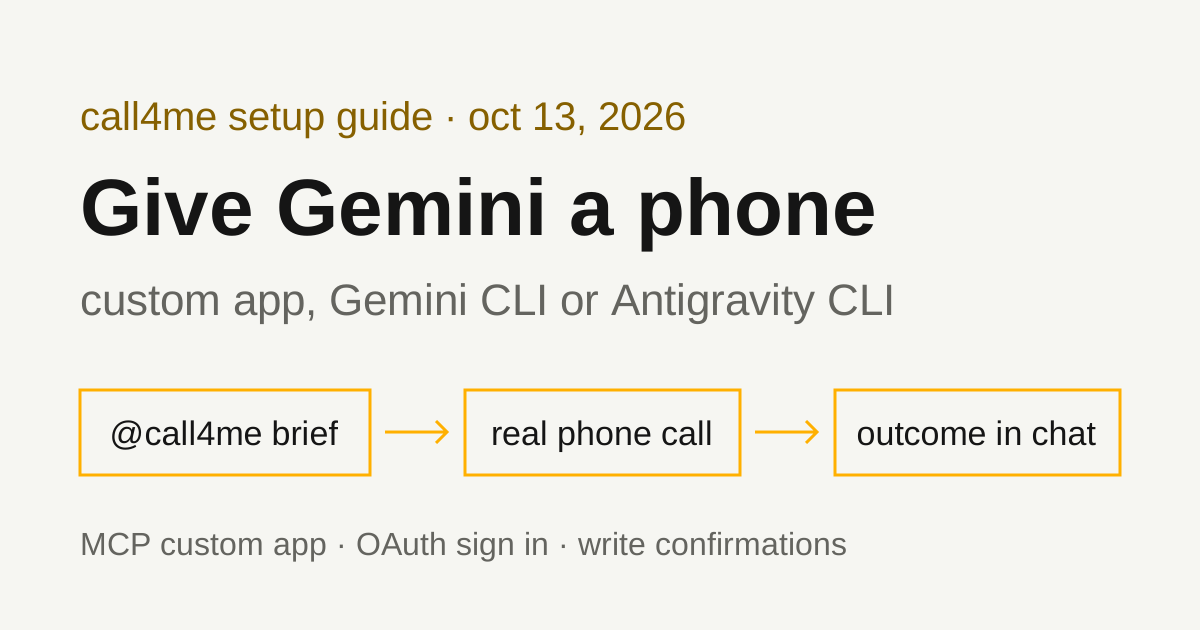
How to make phone calls from Gemini with MCP
Google now lets Gemini call some businesses for you on Pixel 11. For other calls, you can add a calling MCP server as a Gemini custom app, or connect it to Gemini CLI and Antigravity CLI. Here is what each option covers and the exact setup.
OCT 13 / Nick Khami
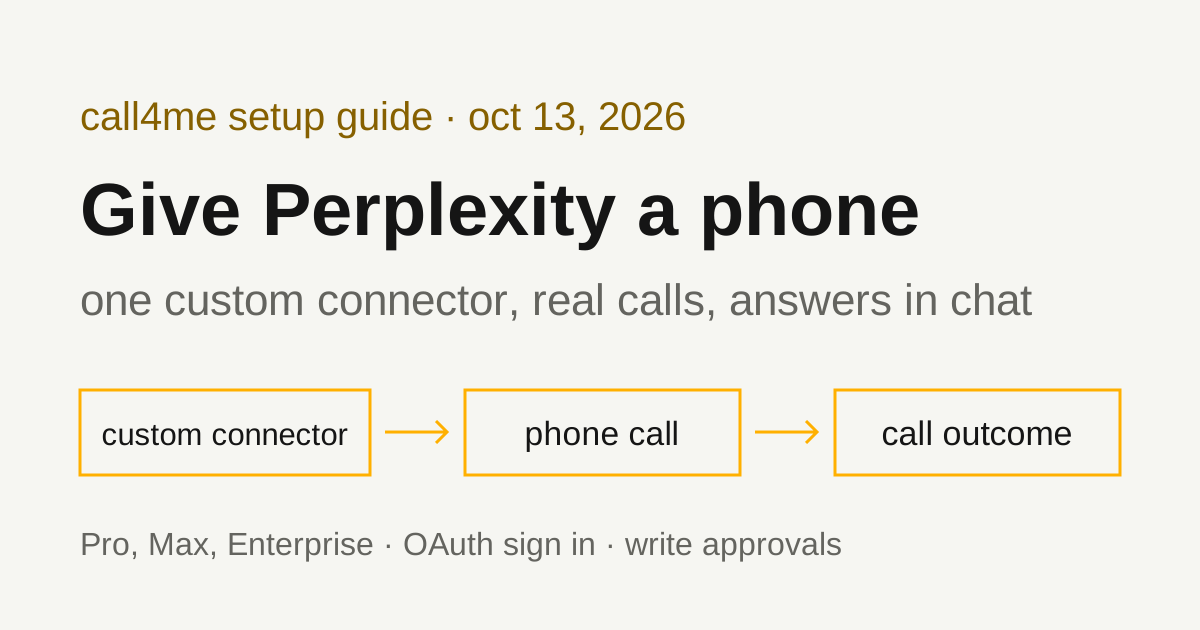
How to make phone calls from Perplexity with a custom connector
Perplexity can't dial a phone on its own, but Pro, Max and Enterprise accounts can add a remote MCP server as a custom connector. Add call4me once, sign in, and Perplexity can place a real call and bring back the answer.
OCT 13 / Nick Khami
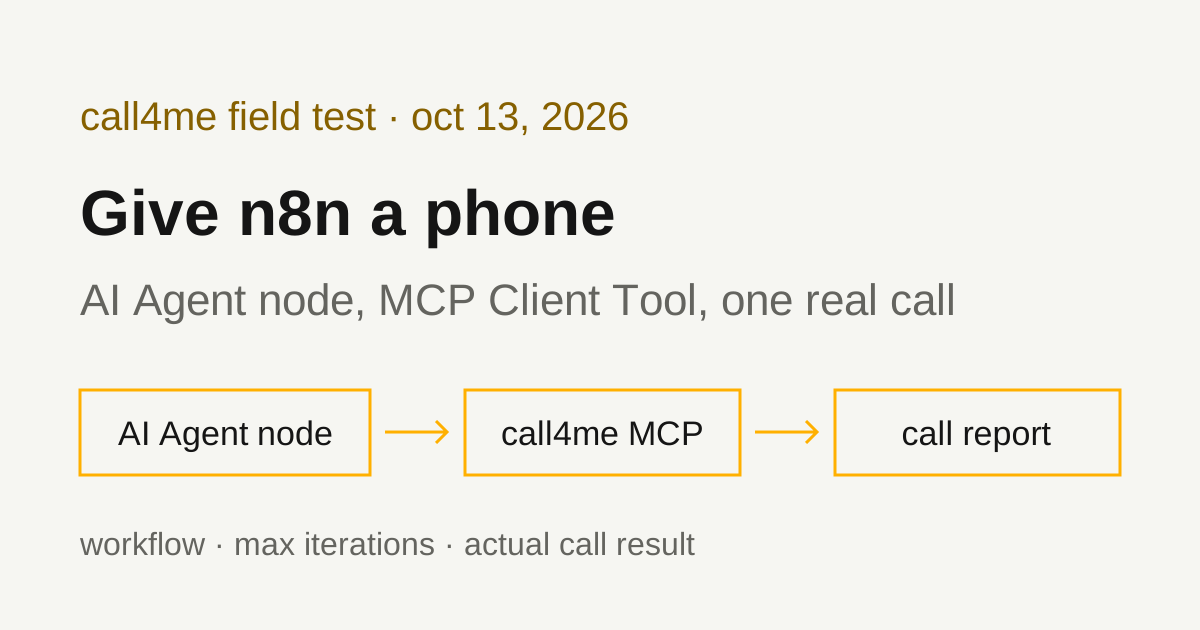
How to make phone calls from n8n with the MCP Client Tool
n8n's MCP Client Tool turns any remote MCP server into tools for an AI Agent node. We pointed it at call4me, ran the workflow, and let it call Xfinity customer service. Here is the workflow, the settings that matter for long calls, and what the call actually got.
OCT 13 / Nick Khami
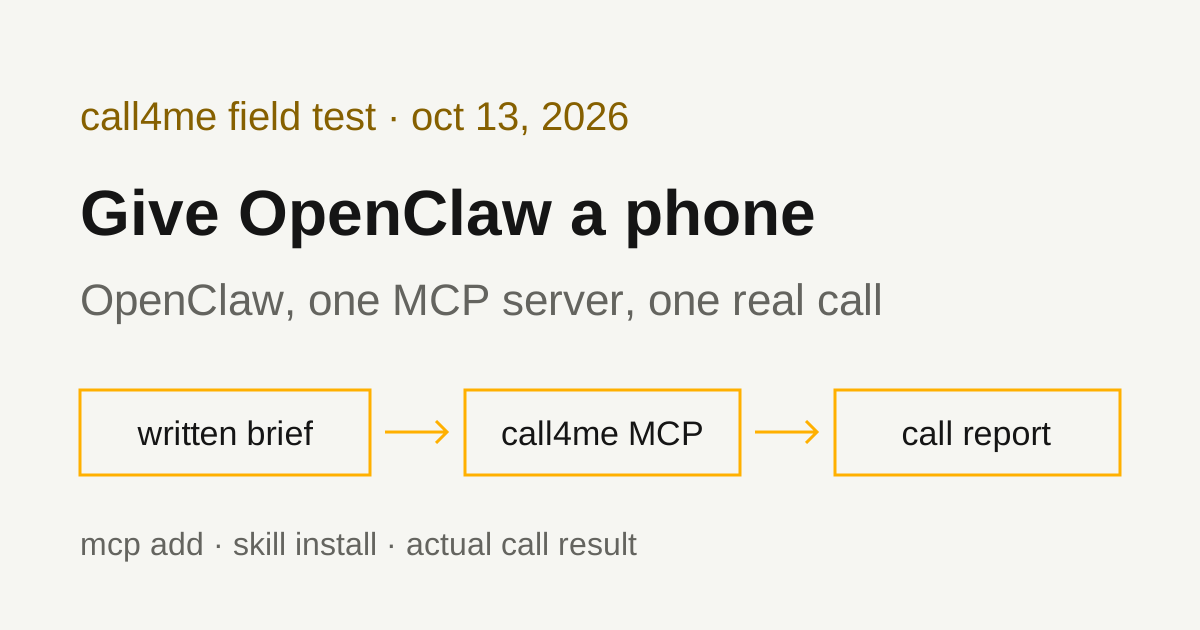
How to make phone calls from OpenClaw with MCP
OpenClaw connects to remote MCP servers natively, so one command gives your personal agent a phone. We installed OpenClaw on Linux, added call4me, installed the call4me skill from ClawHub, and had OpenClaw place a real call to T-Mobile. Here is every command that worked, the two that didn't, and what the call actually got.
OCT 13 / Nick Khami
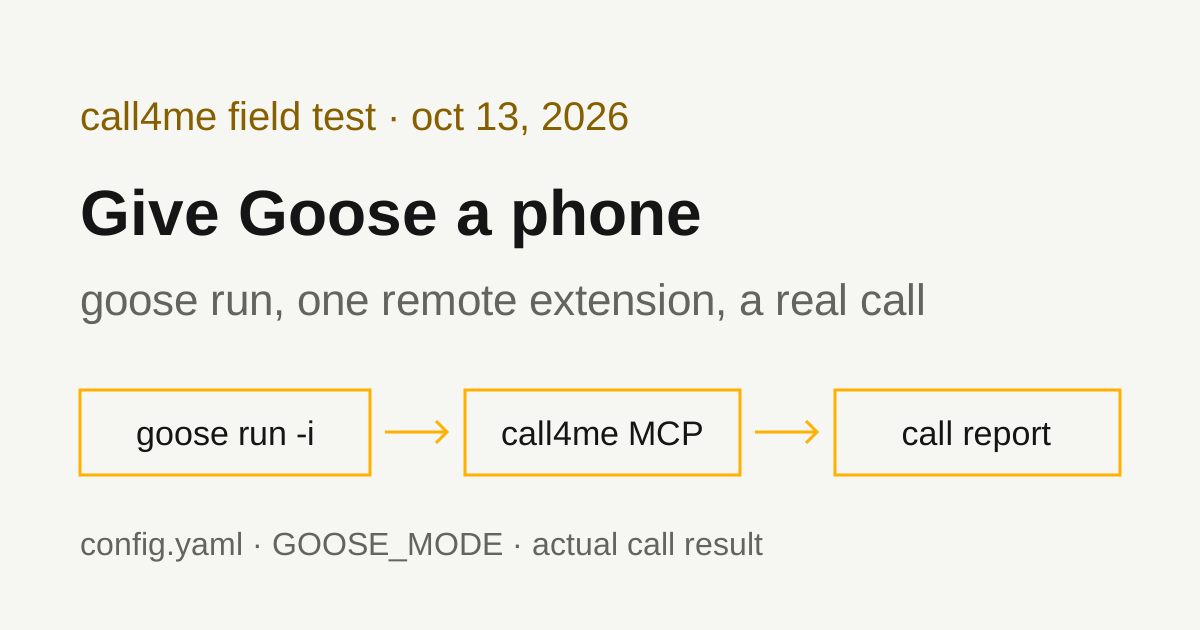
How to make phone calls from Goose with an MCP extension
We added call4me to Goose as a remote MCP extension, ran it headless with goose run, and had it call Amazon customer service. Here is the config.yaml that keeps the API key out of the file, the permission mode headless runs need, and what the call actually got.
OCT 13 / Nick Khami
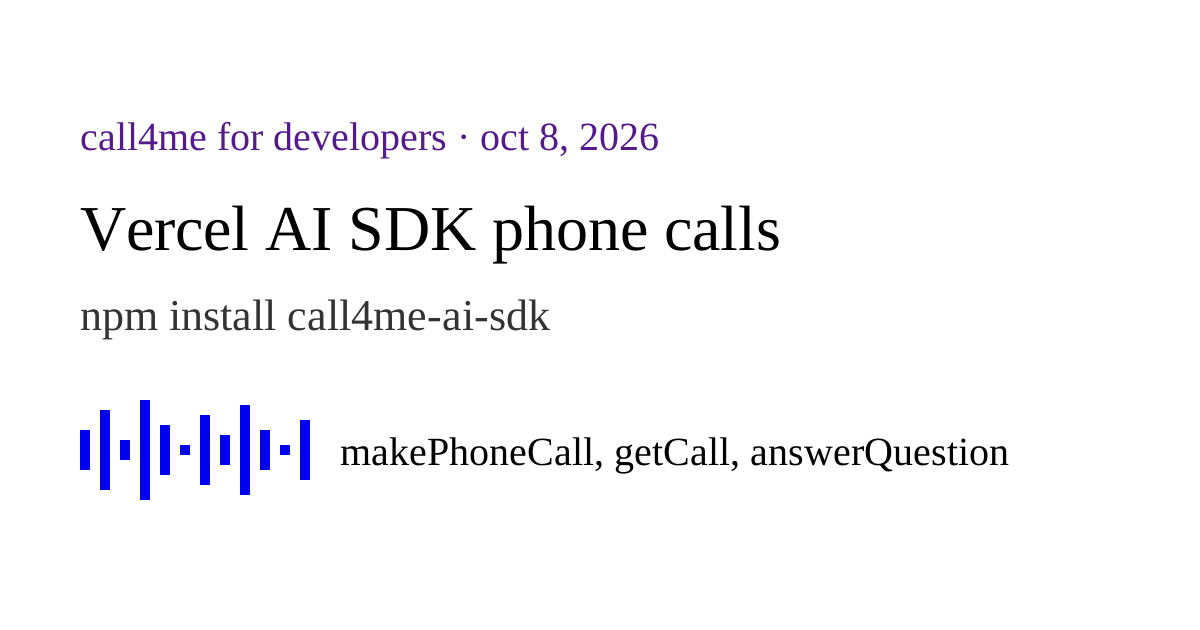
How to add phone calls to a Vercel AI SDK agent
call4me-ai-sdk gives an AI SDK agent a phone. It calls a business, has the conversation, waits on hold, and hands the outcome and transcript back to your code. Here is the setup, the tools, how mid-call questions work, and what happened when we ran it.
OCT 8 / Nick Khami
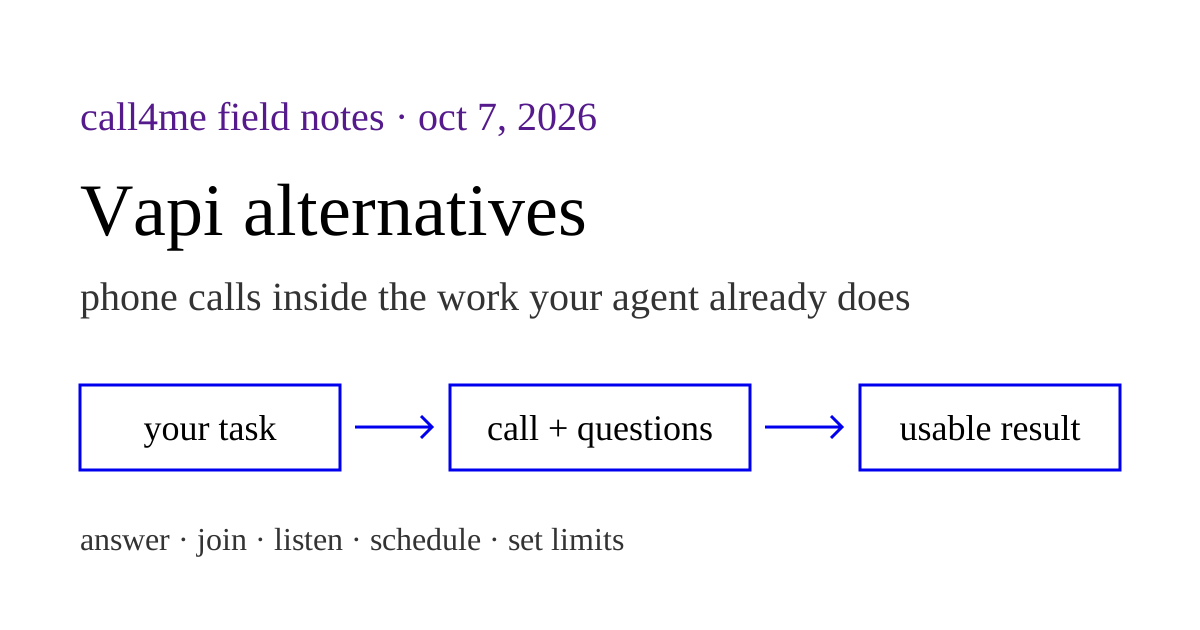
Vapi alternatives for Claude Code and Codex: why choose call4me?
Choose a calling tool around the work your assistant needs to finish, including unexpected questions, personal involvement, and calls after a business opens.
OCT 7 / Nick Khami
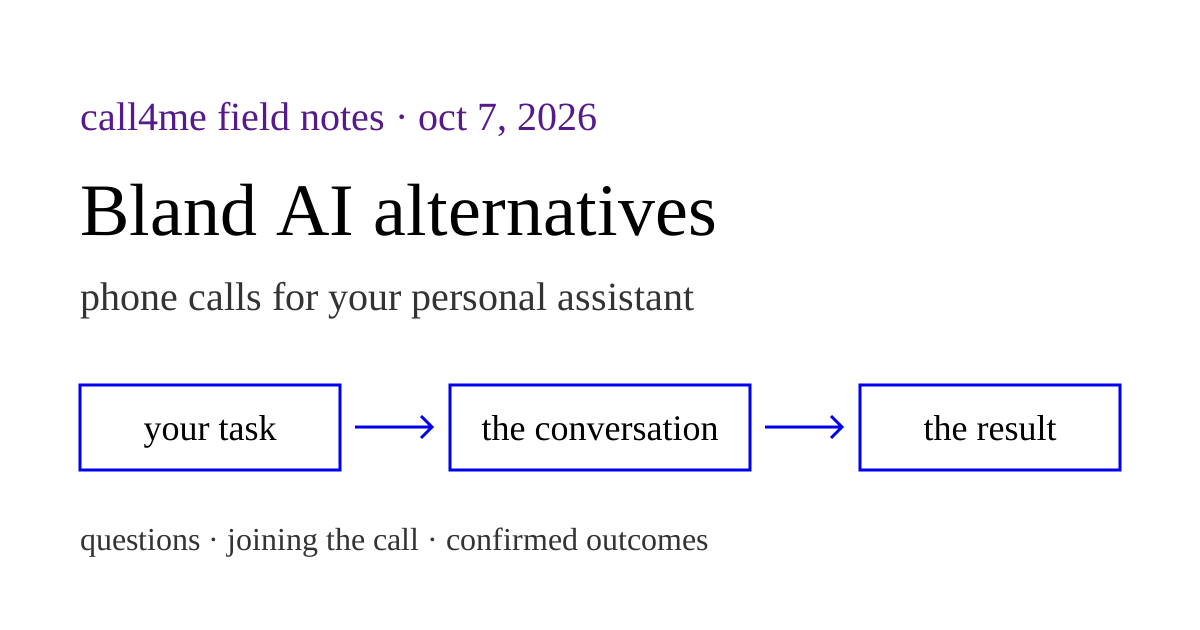
Bland AI alternatives for personal assistant phone calls
Choose call4me for calls that belong in your existing assistant's task. Compare the question loop, joining a call, scheduling, and actual recorded outcomes with Bland's broader platform.
OCT 7 / Nick Khami
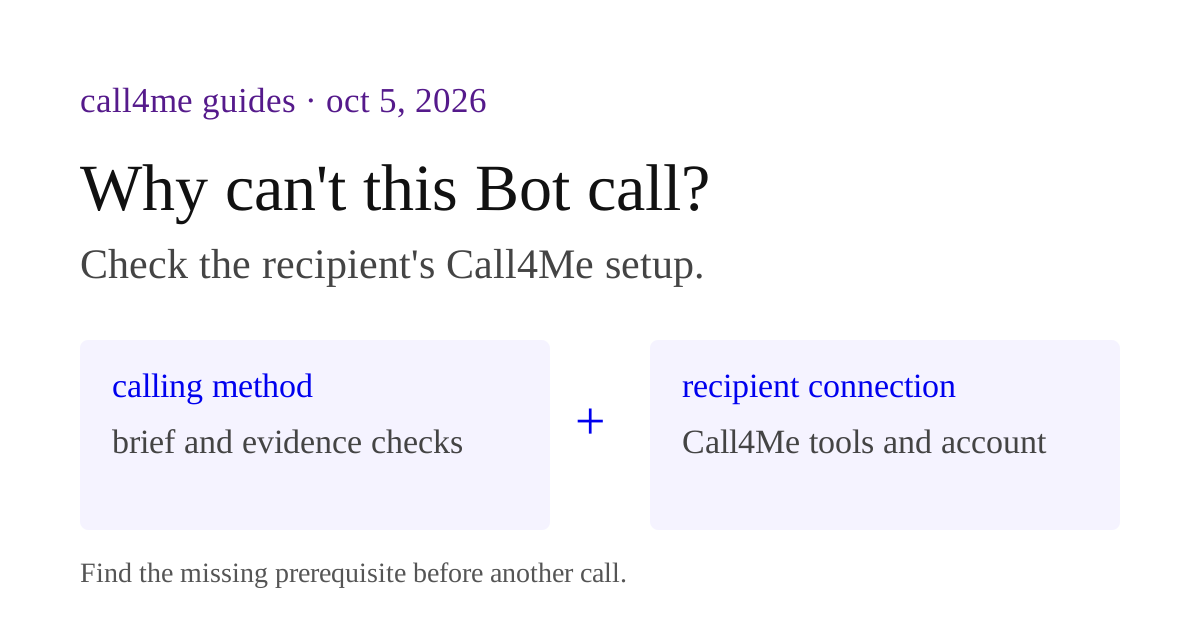
Grok Bot calling prompts: recipient setup checklist
Check the recipient's call4me tools, account and task inputs before sharing a calling workflow. Includes a setup manifest and acceptance checklist.
OCT 5 / Nick Khami
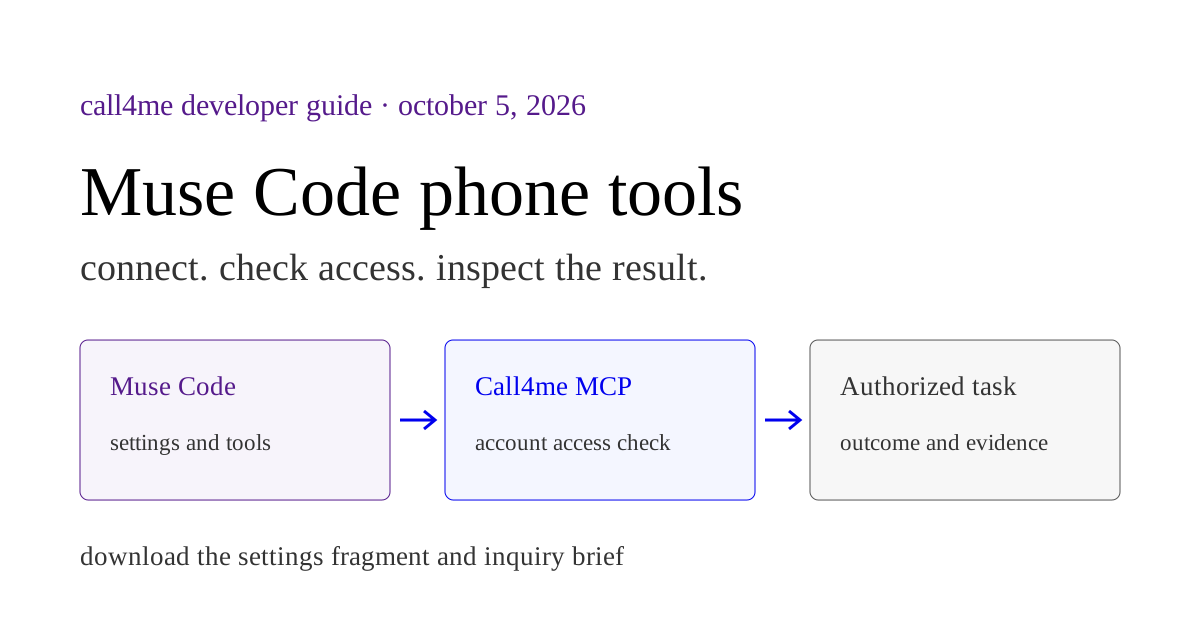
Muse Code MCP: connect phone calling tools
Keep a business phone inquiry in your terminal task. Connect the caller, supply the exact question and inspect the returned outcome, transcript and available recording.
OCT 5 / Nick Khami
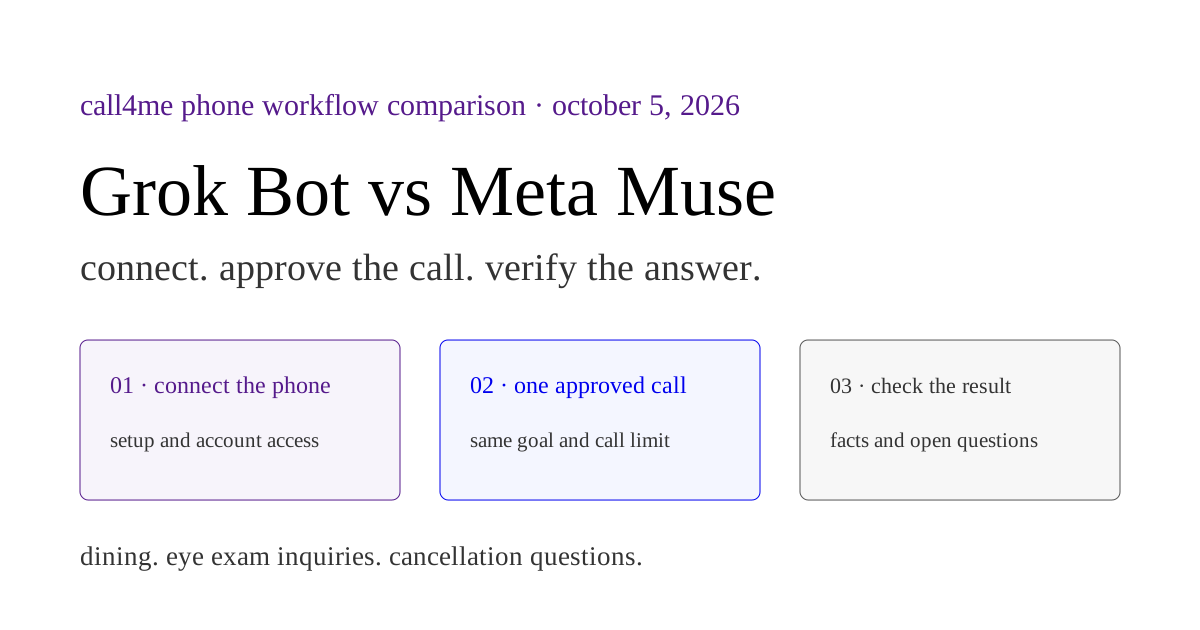
Grok Bot vs Meta Muse: set up each to make phone calls, with tested results
How our Grok restaurant call and Muse library call connected, returned results and left questions unanswered.
OCT 5 / Nick Khami
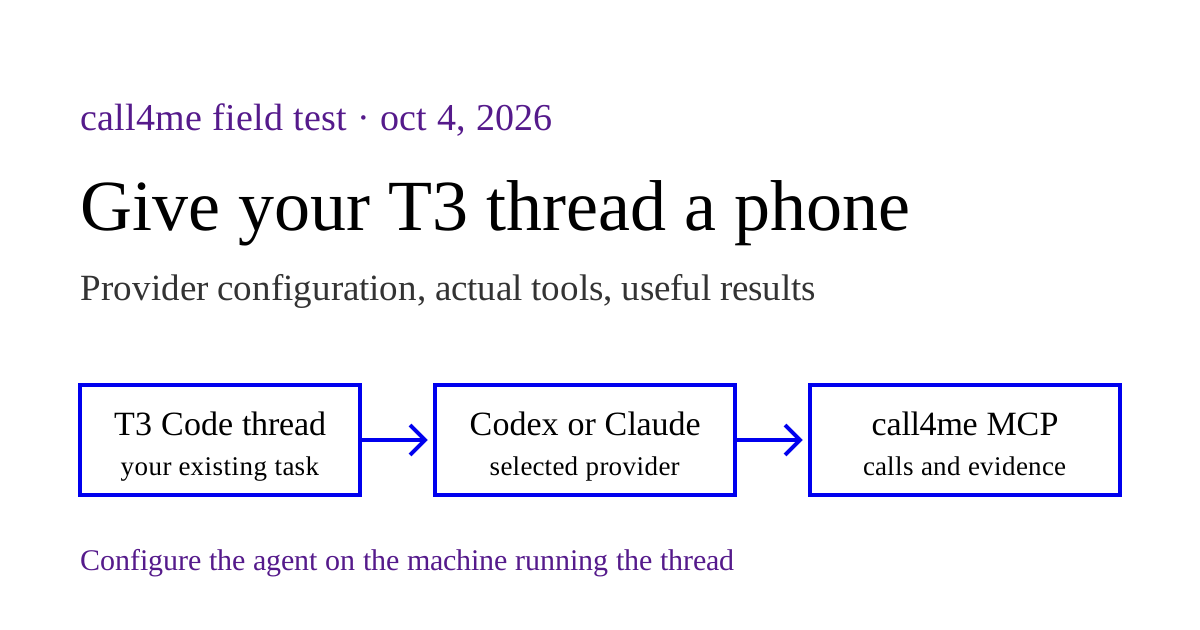
Make phone calls from T3 Code with MCP
Connect the calling tool to the provider behind your T3 thread. We checked a real Codex thread, retrieved a saved schedule, and tested the dialing workflow.
OCT 4 / Nick Khami
recommendations
- Anthropic engineering - how Claude Code and agent tools are built, from the people building them.
- Simon Willison's weblog - daily, careful notes on what LLM tooling actually does.
- Latent Space - the AI engineer newsletter and podcast.
- The Cloudflare blog - agent readiness, MCP, and the plumbing of the agentic web.
- Stripe blog - machine payments and how agents pay for things.
get new posts by email
no tracking, no spam; one email per post, unsubscribe in one click. or use the RSS feed. posts marked paid need a supporter subscription (monthly, cancel any time).